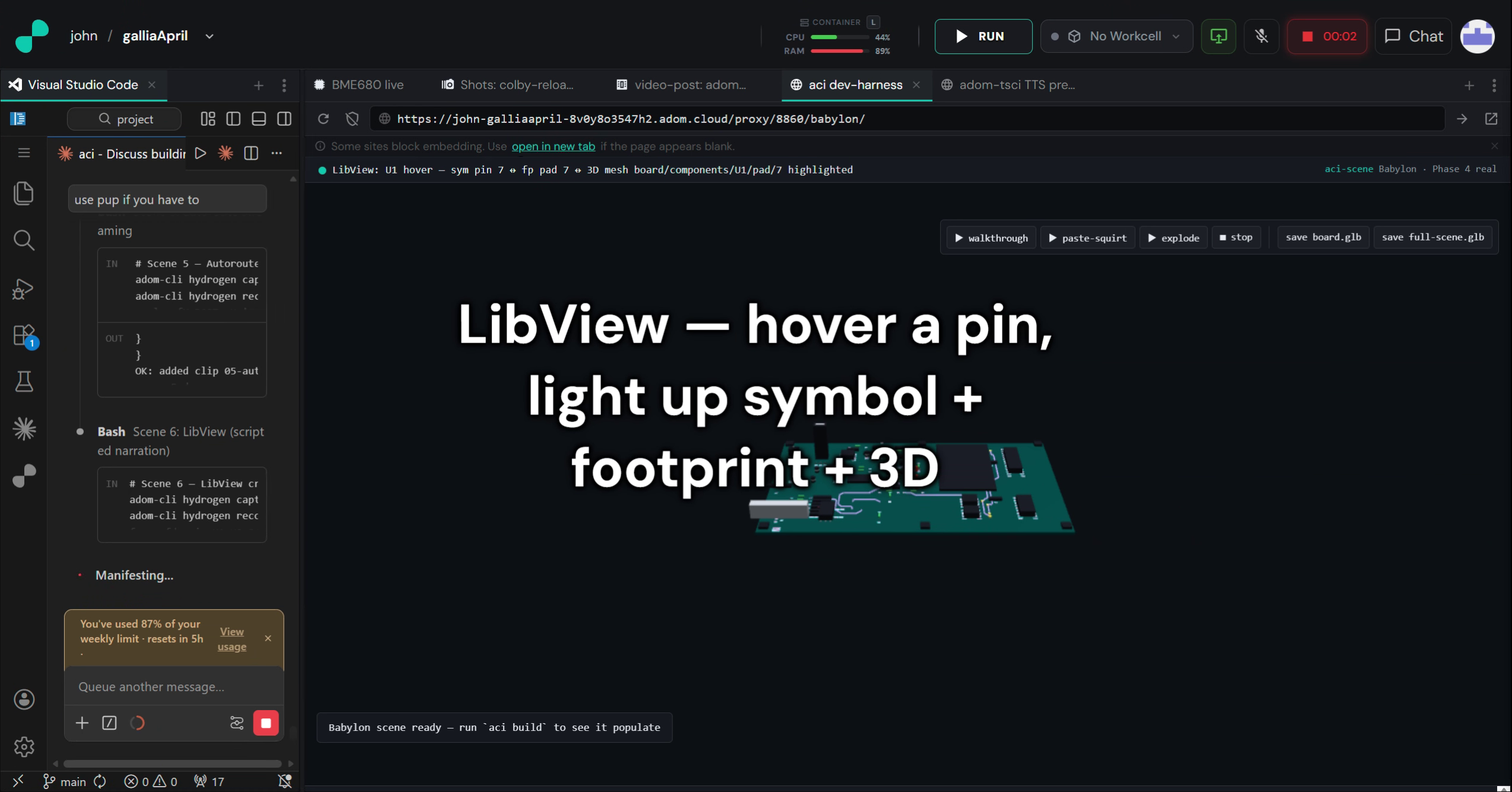
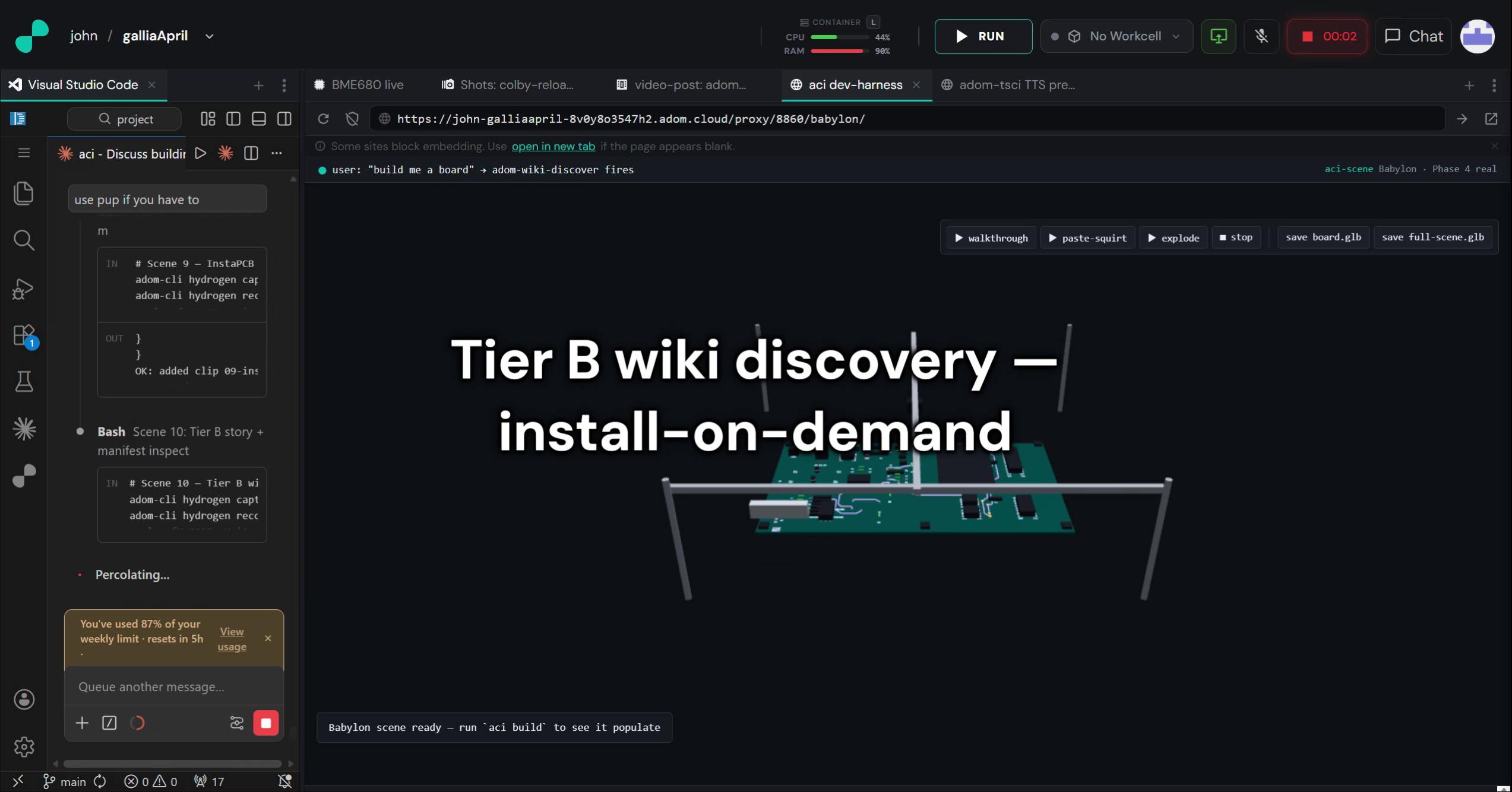
Build a PCB by prompting an AI, watch every step stream into a Hydrogen webview. Rust-native pipeline (parse, DRC, ERC, gerber, SVG, autorouter) + Babylon.js 8.x 3D scene. Mouser-first BOM. Shares one GLB with real component names, paste-jet dots, and probing-workcell animation baked in.
2:22 feature tour — chrome viewer, pipeline streaming, DRC, autoroute, LibView, paste-jet, probing sim, InstaPCB, Tier B discovery
⚡Install this app
Paste this into Claude Code (VS Code panel, Adom editor, or terminal) to install:
I want to install the "adom-circuit — AI-first EDA (aci)" app from the Adom Wiki (https://wiki-ufypy5dpx93o.adom.cloud/wiki/apps/adom-circuit). For the Docker CLI: curl -fsSL https://wiki-ufypy5dpx93o.adom.cloud/static/apps/adom-circuit/aci -o /tmp/aci && chmod +x /tmp/aci && sudo install -m 0755 /tmp/aci /usr/local/bin/aci && aci install && aci doctor Then verify the install works.
Build a PCB by prompting an AI, watch every step stream into a Hydrogen webview — BOM resolution → library construction → schematic → 3D board → autoroute → DRC → final GLB. Rust owns parse + geometry + compute; Babylon 8.x owns the 3D scene; they talk scene-IR JSON over WebSocket. GLTF2Export produces the final file from the live scene — what the user watches being built is what ships.
aci build <prompt> — kicks off a BOM → datasheet → Mouser → library → schematic → 3D board pipeline. Spawns parallel sub-agents (one per component); LibView populates live; autoroute streams into a routing-preview scene node at 30 fps.
aci dev — opens the Hydrogen webview with full chrome: Status Bar, Library Rail, Component HUD (refdes / footprint / nets / Mouser PN / price / stock), Timeline Strip, Global Footer with VS Code jump buttons.
aci parity — cross-checks aci-drc / aci-erc / aci-svg against the kicad-cli oracle (via service-kicad or local install). Baseline gate before a release.
aci doctor — health-checks every dep (service-kicad CLI → local kicad-cli → service-aci) before a build. Prints what's missing + what URL aci would hit.
aci review <pcb> — quick DRC + ERC fidelity report without spinning up the viewer.
aci test --visual --bless — pixel-diff visual regression harness with ralph-loop screenshots into the shotlog.
aci share / aci clone — publish a complete project bundle to the Adom Wiki / pull someone else's project and open it locally.
Native pipeline (no shell-outs in the hot path)
Stage
Crate
What
KiCad s-expr parse + emit
aci-sexpr
Byte-identical round-trip on 99.6% of the corpus (461/463 files)
Multi-Chrome-session browser driving for ralph loops + the datasheet visualizer
Tier A
gallia/viewer
Absorbed Babylon 8.52 scene builders — symbol / footprint / gerber viewers, solder-jet-sizer, LibView
Tier A
aci doctor surfaces any of these that aren't reachable from the current container, with a paste-into-Claude install prompt for each.
First-class scene features (what makes the GLB different)
Named scene tree — every node addressable by path: board/components/U1/body, board/components/U1/pad/7, board/layers/F.Cu/trace[17], board/paste/U1/pad_1/dot[3]. Survives export as glTF extras.
Solder-jet paste deposition — 13,627 paste dots at 250 µm planned + animated in the squirt AnimationGroup. Baked into the GLB.
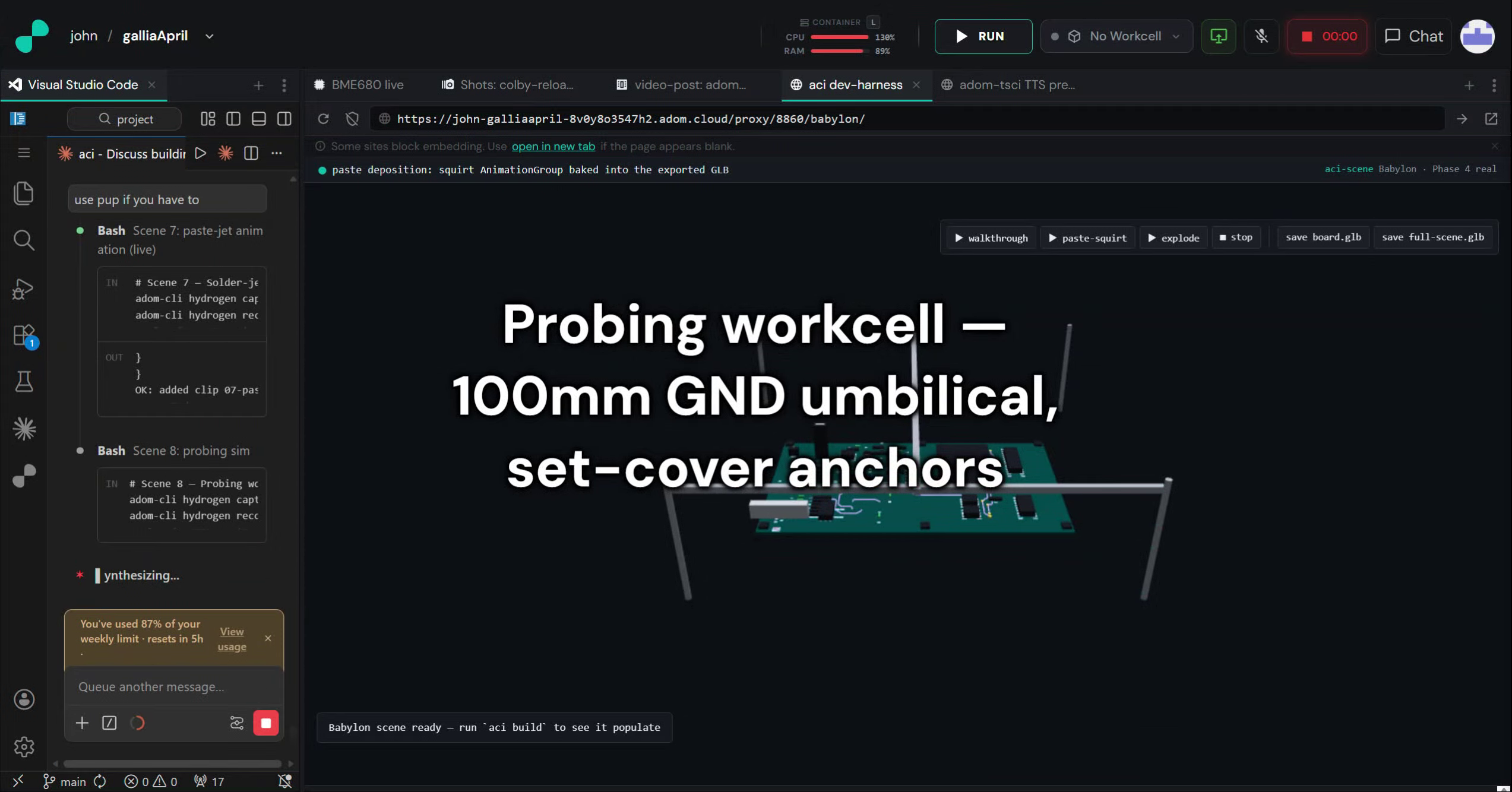
Probing workcell simulation — 100 mm GND-umbilical cover + greedy set-cover over test points. probe.* events stream during the simulation.
Three export tiers — board.glb (scene filtered to exportClass=board), full-scene.glb (everything including workcell + diagnostics + process), full project bundle (scene-ir.json + build-log.ndjson + source).
Install (Tier B)
On a fresh Adom container, say "build me a board" or "run DRC via aci" — Claude's wiki-discover skill will surface this page and offer to run the install_hint. Manual:
aci doctor prints the current dep status — any missing service suggests its own install_hint.
Why Tier B (not Tier A)
Every external publisher to the Adom Wiki can only use Tier B — they can't edit gallia/install.mjs. If we publish our own flagship tool as Tier A, we never feel the friction external publishers are stuck with, and the Tier B path quietly rots. So we eat our own dog food. See adom-app-model §7 for the full doctrine.
Current status
97% of PLAN.md shipped — every Part 27 Critical + High + Medium + Low resolved.
name: adom-circuit
description: AI-first EDA tool for building PCBs — Rust pipeline + Babylon.js 3D viewer in a Hydrogen webview, native KiCad file I/O, native DRC/ERC, tscircuit autorouter, Mouser-first BOM, solder-jet paste deposition, 26-step InstaPCB manufacturing sim, 100mm probing-workcell sim. Binary is aci, repo is adom-circuit. Use when the user asks to design a PCB via AI, build a board from a prompt, watch a board being built, or when they say words like build a board, design a pcb, ai-first eda, adom circuit, asci, aci build, make a circuit board, dev board, breakout board, iCE40 board, 3D pcb preview with animations, paste-jet simulation, kicad pipeline, native DRC, probing-workcell simulation, instapcb simulation.
adom-circuit — AI-first EDA
aci is the CLI binary. adom-circuit is the repo + wiki page. The tool lets a user (or an AI agent on their behalf) build a PCB by prompting, then watch every step stream into a Hydrogen webview: BOM resolution, library construction, schematic, 3D board, autoroute — all scene-native, all preserved in the final GLB.
The one-sentence mental model
Rust owns parse + geometry + compute (DRC, ERC, gerber, SVG, paste-jet planner). Babylon 8.x in the Hydrogen webview owns the 3D scene. Scene IR JSON streams between them over WebSocket. GLTF2Export produces the final GLB from the live scene — what the user watches being built is what ships.
Core pipeline — aci build --all
cd my-project/
aci build --all           # parse → scene IR → drc → svg → gerbers → lib → bom → datasheets → route → probe-sim
aci dev                   # live Babylon 3D + 3-pane LibView
aci review                # one-pass reviewer checklist → artifacts/review.md
aci molecule --owner you  # hand off to adom-molecule
Every subcommand is scriptable. Every UI button has a CLI equivalent — see the asci-cli skill.
No MCP servers. aci talks via HTTP + WebSocket per app-creator rule 7b.
Babylon runs only in the Hydrogen webview. No NullEngine. No Playwright. Unattended runs drive the same webview via adom-desktop pup.
Datasheets come BEFORE supplier lookup — Phase 14 grounds every candidate MPN before Phase 14.5 hits Mouser.
Mouser is the first-class supplier. DigiKey → JLCPCB are fallbacks.
Auto-pick smallest non-BGA package with pads ≥ 350 µm (fits the 250 µm solder jet).
NEVER ALL CAPS in any UI text. data-tooltip, not title="".
When to use this skill
Match on the trigger words above, OR any time the user mentions designing a PCB with AI, the aci CLI, a .kicad_pcb + scene IR flow, solder-jet paste deposition, or the Adom probing workcell.
Sub-skills are community-contributed AI skill extensions for this component.
They teach AI assistants about specific tools, configurators, or workflows.
Examples:
A manufacturer’s configuration tool for a motor controller
A community-written design guide for an amplifier circuit
An automated test/validation script for a sensor module
How to add one: Click Add Sub-Skill, provide the URL
to your skill and a brief description. Submissions are reviewed by the Adom team
before going live.
No sub-skills yet. Be the first to contribute one!
🔎
How Claude finds this page
(discovery snippet)
This page opts into Adom Wiki auto-discovery. When a user working in Claude Code mentions any of the trigger phrases below, Claude can proactively suggest this page. The pitch is exactly what Claude will say.
Pitch
"AI-first EDA — build a PCB by prompting, watch it stream into a Hydrogen webview. Rust-native DRC/ERC/gerber/autorouter + Babylon 8.x 3D scene + Mouser-first BOM + solder-jet paste + probing-workcell sim. One GLB with real component names baked in."
Triggers
"build a board", "build me a pcb", "design a pcb", "ai-first eda", "adom-circuit", "aci build", "aci dev", "aci doctor", "aci parity", "aci review", "make a circuit board", "dev board from prompt", "breakout board ai", "ice40 board", "pcb from scratch ai", "3d pcb preview with animations", "paste-jet simulation", "solder jet sim", "probing workcell simulation", "instapcb simulation", "native drc aci", "native erc aci", "autorouter aci", "tscircuit autorouter embedded", "stream board build", "watch board being built"