adom-digikey
Search DigiKey Electronics for components, pricing, stock, and datasheets. One Rust binary with three faces:
- CLI verbs —
adom-digikey search|part|healthreturn normalized JSON on stdout, ready for| jq. - Hydrogen webview app —
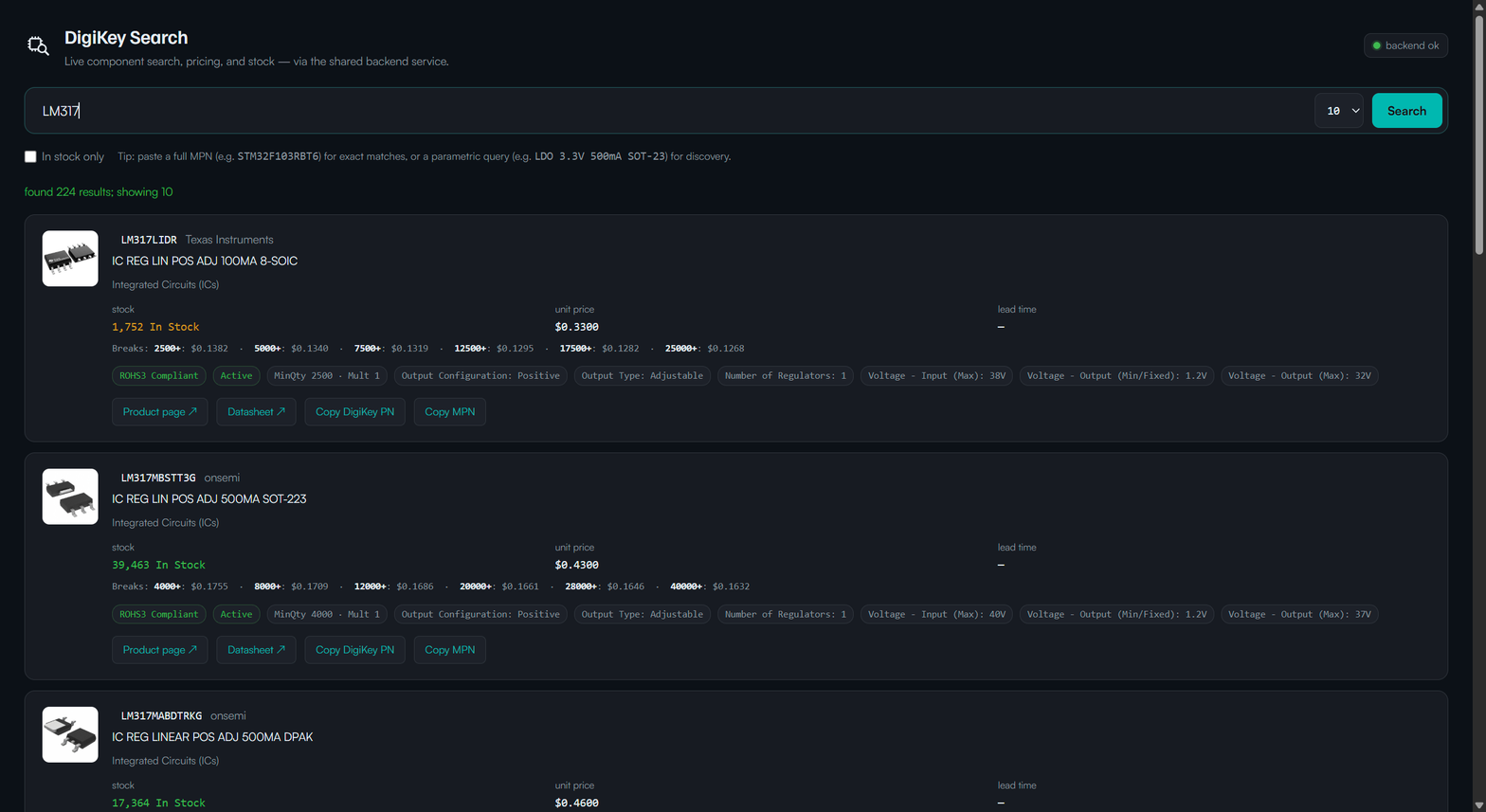
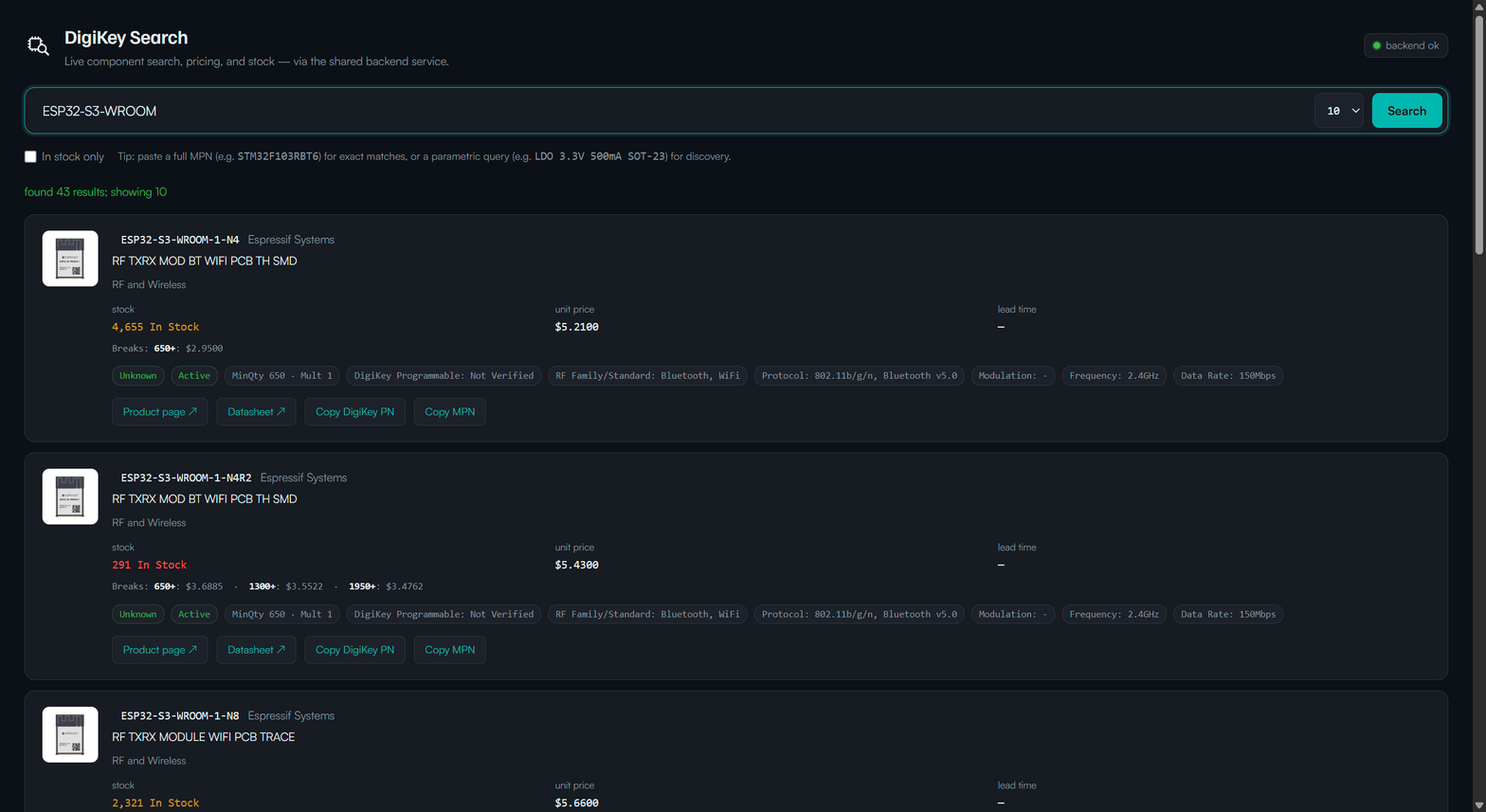
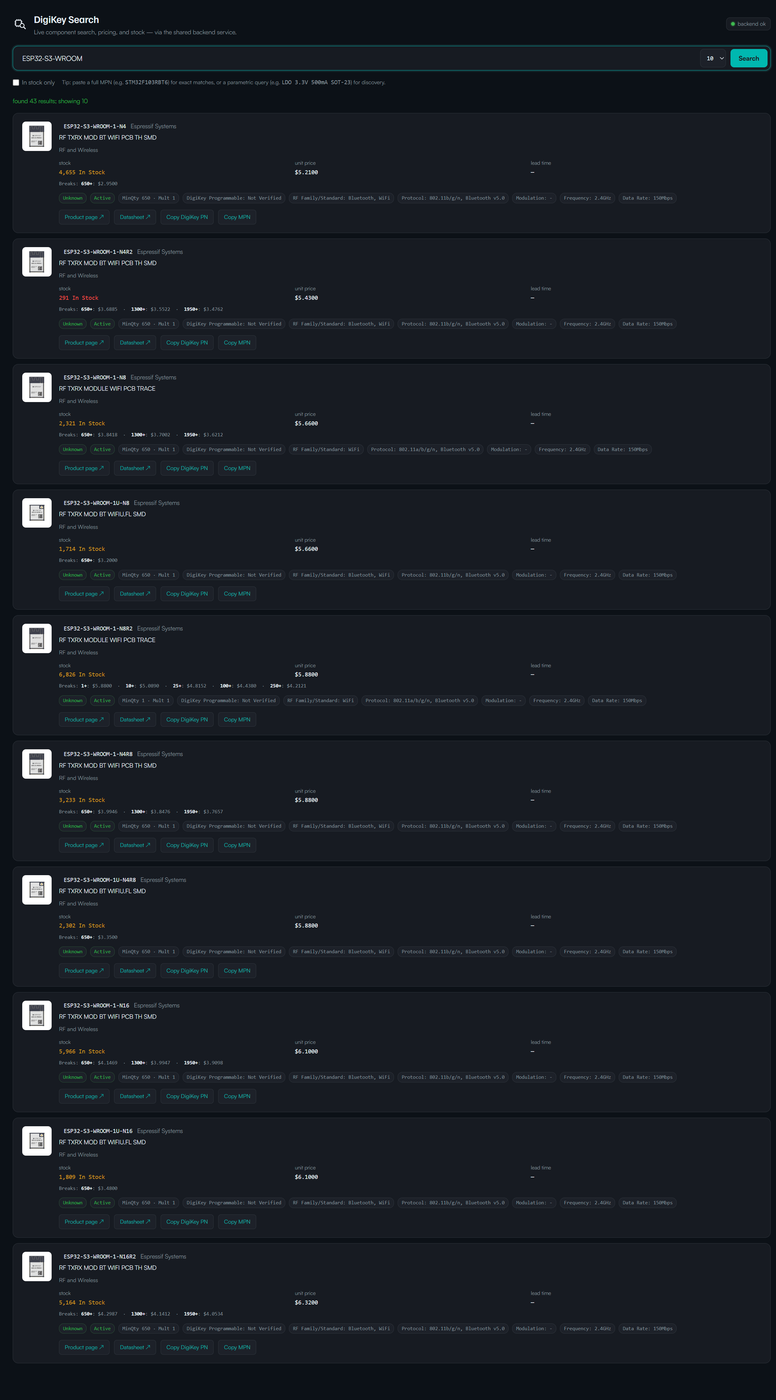
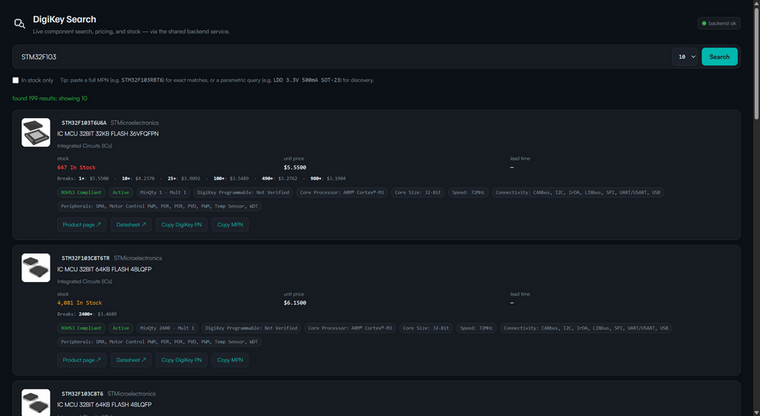
adom-digikey appopens a first-class "DigiKey Search" tab with per-card images, price breaks, RoHS / lifecycle / packaging flags, copy-to-clipboard for MPN and DigiKey PN, and a backend-health indicator. - Backend HTTP service —
adom-digikey serveruns an HTTP proxy (port 8777) with a 10-minute LRU cache. Keeps the DigiKey API key server-side; consumer containers pointDIGIKEY_APIat it.
Install
curl -fsSL https://wiki-ufypy5dpx93o.adom.cloud/static/apps/adom-digikey/adom-digikey \
  -o /tmp/adom-digikey \
  && chmod +x /tmp/adom-digikey \
  && sudo install -m 0755 /tmp/adom-digikey /usr/local/bin/adom-digikey \
  && adom-digikey install
Installs the binary to /usr/local/bin/adom-digikey, deploys ~/.claude/skills/adom-digikey/SKILL.md and ~/.claude/skills/adom-digikey-build/SKILL.md, and registers bash completions.
For gallia containers, this is done automatically by gallia/install.mjs — adom-digikey is a Tier A app (every Adom user needs component search day-one).
Use
# CLI
adom-digikey search "STM32F103RBT6" --limit 5
adom-digikey part 296-STM32F103RBT6-ND | jq '.components[0] | {mouser_pn, unit_price, price_tiers, stock}'
adom-digikey health

# UI
adom-digikey app        # opens a Hydrogen webview tab

# Backend
DIGIKEY_CLIENT_ID=<key> adom-digikey serve    # runs on service-digikey container
Architecture
  any user container             service-digikey (default-light)
  ──────────────────             ──────────────────────────────
  adom-digikey search       ─┐
  adom-digikey app          ─┼──▶ adom-digikey serve (port 8777)
  adom-digikey health       ─┘    + DIGIKEY_CLIENT_ID
                                 + 10-min LRU cache
                                 + self-heal cron watchdog
                                          │
                                          ▼
                                api.digikey.com / v2
The service container clones only adom-inc/adom-digikey; its service/watchdog.sh runs every 2 min to (1) keep the service healthy and (2) git fetch origin main + rebuild + swap binary when a new release lands. No redeploy step after publishing — publish.sh pushes to main, the service container picks it up within ~5 minutes.
Source
Source at adom-inc/adom-digikey (private). The public artifact is this wiki page's docker-binary asset — source access is not required to install or use the app.
Built following the canonical adom-app-model: single private repo for both client + service code, binary published to the wiki, service on its own default-light container, Tier A distribution via gallia/install.mjs.