video-post
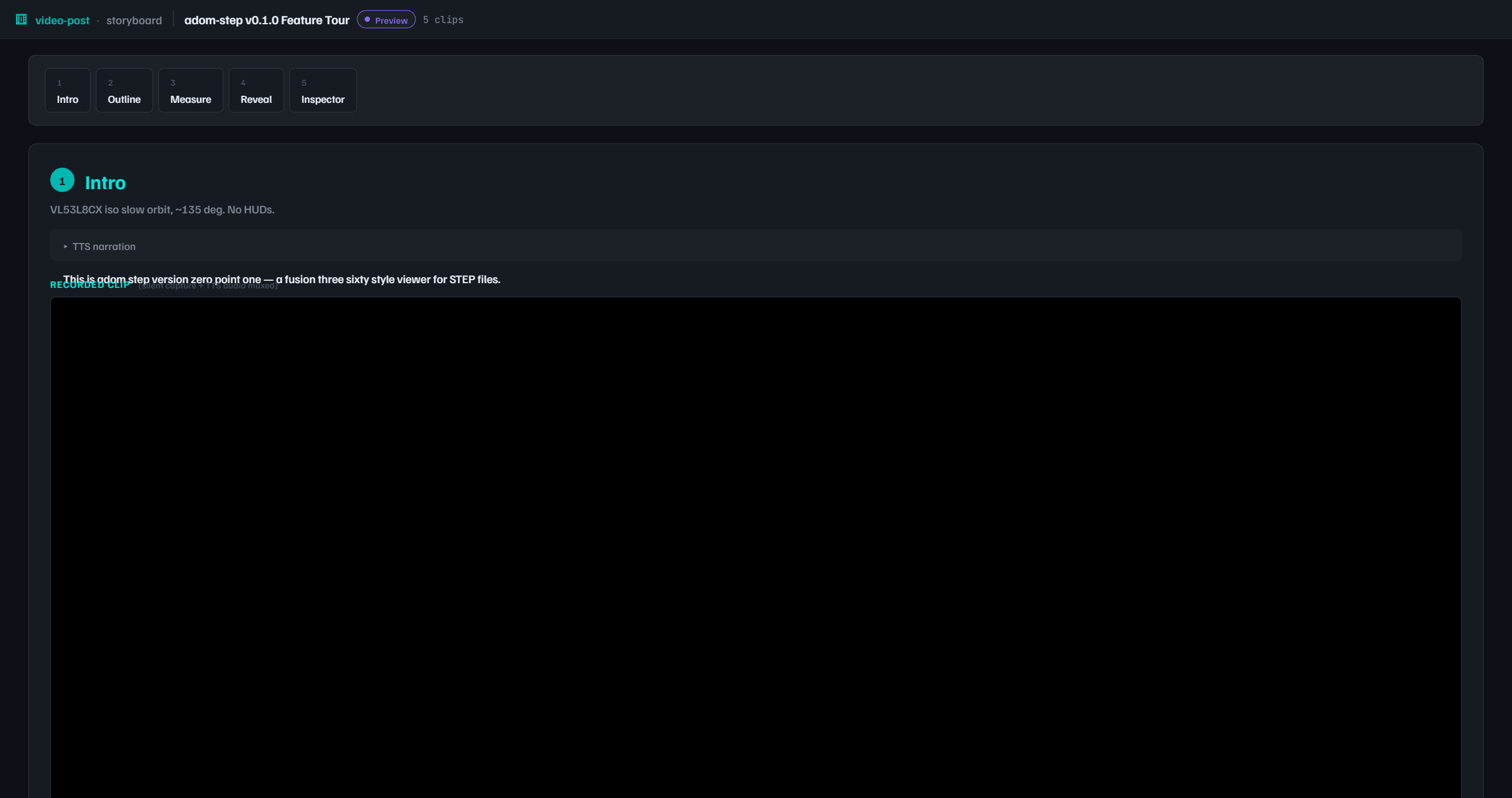
Post-process screen recordings for the Adom platform. Take a raw silent recording, speed up the boring parts with overlay captions, narrate over it in a Hydrogen webview, and publish the final narrated video to the wiki page for whatever you demoed.
The problem
Demo recordings have long stretches of dead air. A 12-step Fusion 360 demo runs 30+ minutes of wall-clock time, but only ~5 minutes of it is actually visually interesting. The other 25 minutes are file exports, cloud searches, and AI tool call latency while the viewer stares at unchanged screens.
Manual editing is slow and breaks the "Claude Code drives the workflow end to end" model. The right fix is explicit markers dropped during the demo, then a post-process pass that speeds up the marked sections with a clear visual indicator.
The pipeline
Four commands, under 10 minutes wall-clock for a 30-minute raw recording:
- Record (silent, no voiceover)
video-post process— speed up the boring parts with "20x SPEEDUP" overlay captionsvideo-post voiceover— open a webview with the sped-up video, narrate over it, Hydrogen captures the mic, ffmpeg muxesvideo-post publish --page apps/adom-desktop— upload to the wiki page for the artifact you demoed
The AI drops markers as it runs slow commands during the demo:
video-post mark init
# ... record, run demo, wrap slow sections with video-post wrap ...
video-post wrap --speed 20 --label "Exporting gerbers" -- adom-desktop fusion_export_gerbers
Then post-process:
video-post process --input demo.webm   # → demo-fast.webm
video-post voiceover --input demo-fast.webm   # → demo-fast-narrated.webm
video-post publish --input demo-fast-narrated.webm --page apps/adom-desktop \
  --caption "Fusion 360 deep dive: BQ25792 manufacturing pipeline"
Features
- Phase 1 — Speedup post-processor. Drop
speedup_start/endmarkers around slow sections. Post-processor builds a single ffmpeg filter_complex that trims, accelerates (2x–100x), overlaysdrawtextcaptions, and concatenates. Auto-scales caption font to video width. Audio dropped (phase 1 expects silent recordings). - Phase 2 — Voiceover web server. Mini Hydrogen webview app with a video player, 3-2-1 countdown, record button, discard/redo, and finalize. Uses Hydrogen's first-class
adom-cli hydrogen audioAPI — no iframe getUserMedia gymnastics. Muxes the captured audio with the video via ffmpeg copy+libopus. - Phase 3 — Wiki publish. Wraps
adom-wiki asset uploadso the final narrated video gets attached to the wiki page for whatever artifact you demoed (apps, skills, molecules, libraries, datasheets).
Built following the app-creator conventions: Adom brand palette, Familjen Grotesk + Satoshi fonts, custom SVG favicon, proxy URL for the webview, graceful shutdown.
Install
gh release download v0.1.0 --repo adom-inc/video-post --pattern video-post -D /usr/local/bin
chmod +x /usr/local/bin/video-post
video-post install
video-post health
Prerequisites:
ffmpeg+ffprobe(sudo apt-get install ffmpeg)adom-cliandadom-wiki(core Adom infra)
Repository
Status
- Phase 1 (speedup): shipped in v0.1.0
- Phase 2 (voiceover): shipped in v0.1.0
- Phase 3 (publish): shipped in v0.1.0