step2glb
Thin CLI for converting STEP CAD files to GLB with colors preserved from the source file.
The CLI is ~3 MB and ships no CAD runtime. Conversion happens on the shared service-step2glb container via OCCT's XCAF pipeline (STEPCAFControl_Reader → BRepMesh_IncrementalMesh → RWGltf_CafWriter), which preserves per-face colors that cadquery.save('GLTF'), assimp, and kicad-cli pcb export glb all lose.
Quick use
# Local file
step2glb convert foo.step -o foo.glb

# KiCad library part (service-kicad fetches the STEP for you)
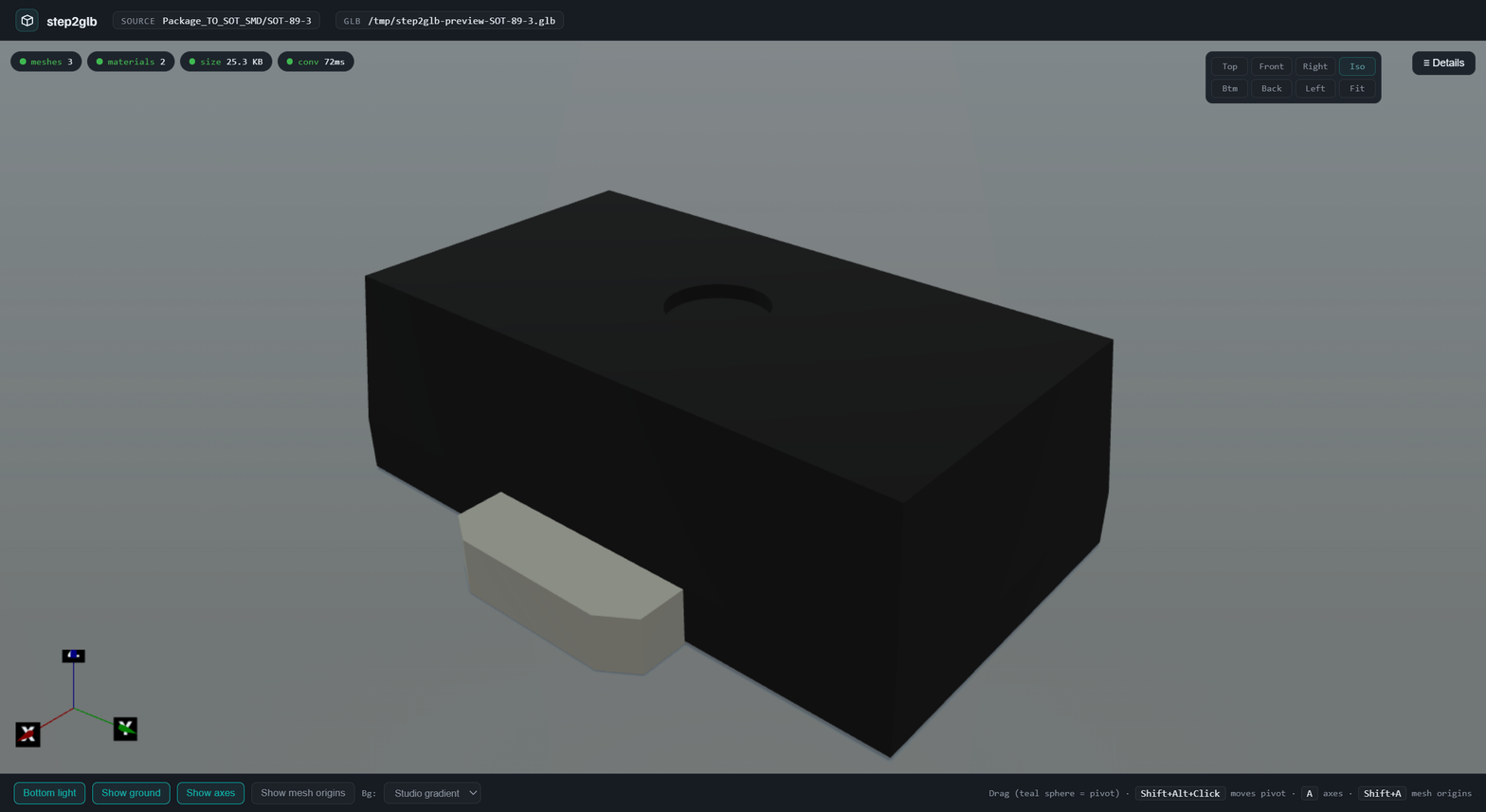
step2glb from-library Package_TO_SOT_SMD/SOT-89-3
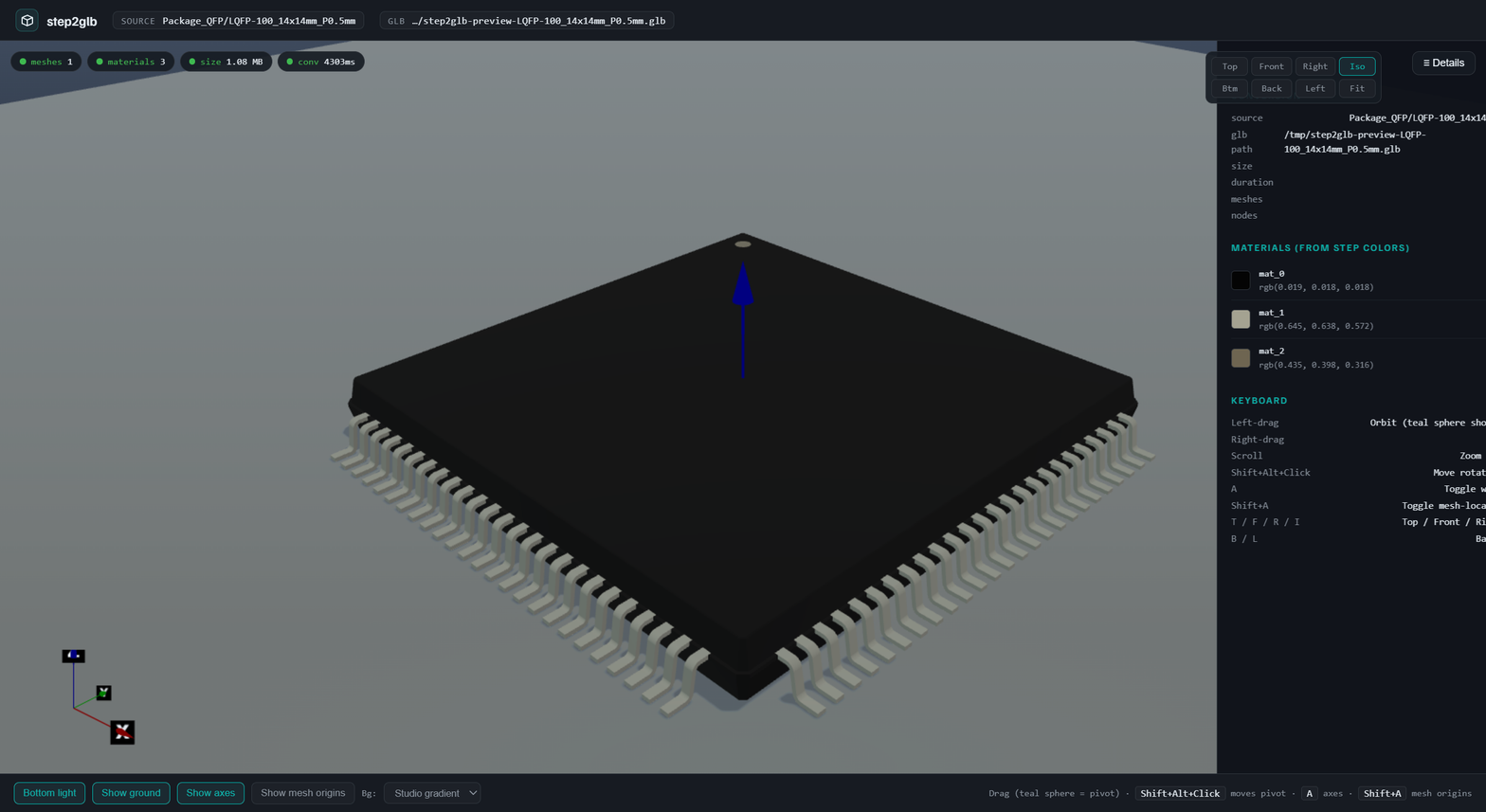
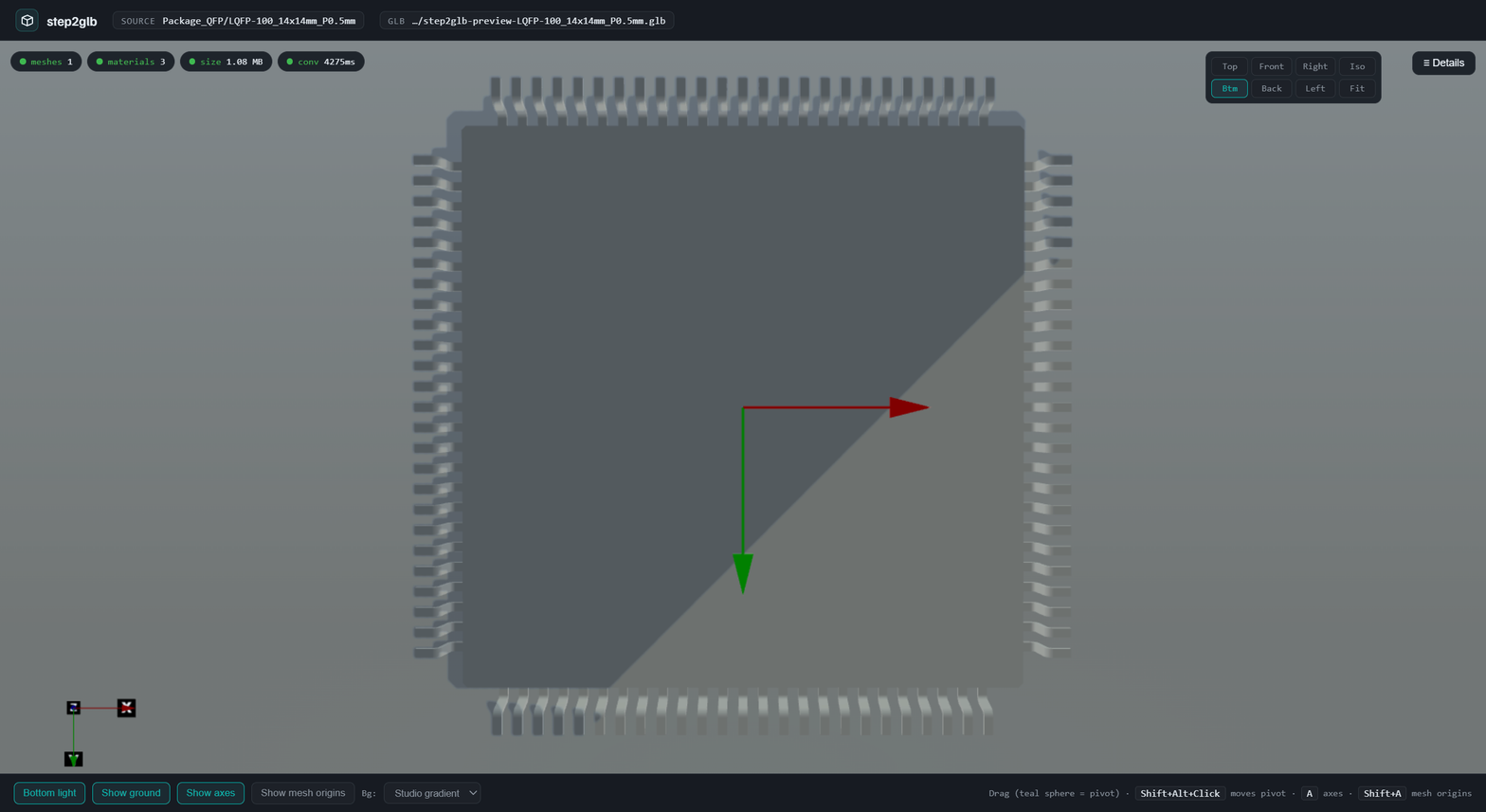
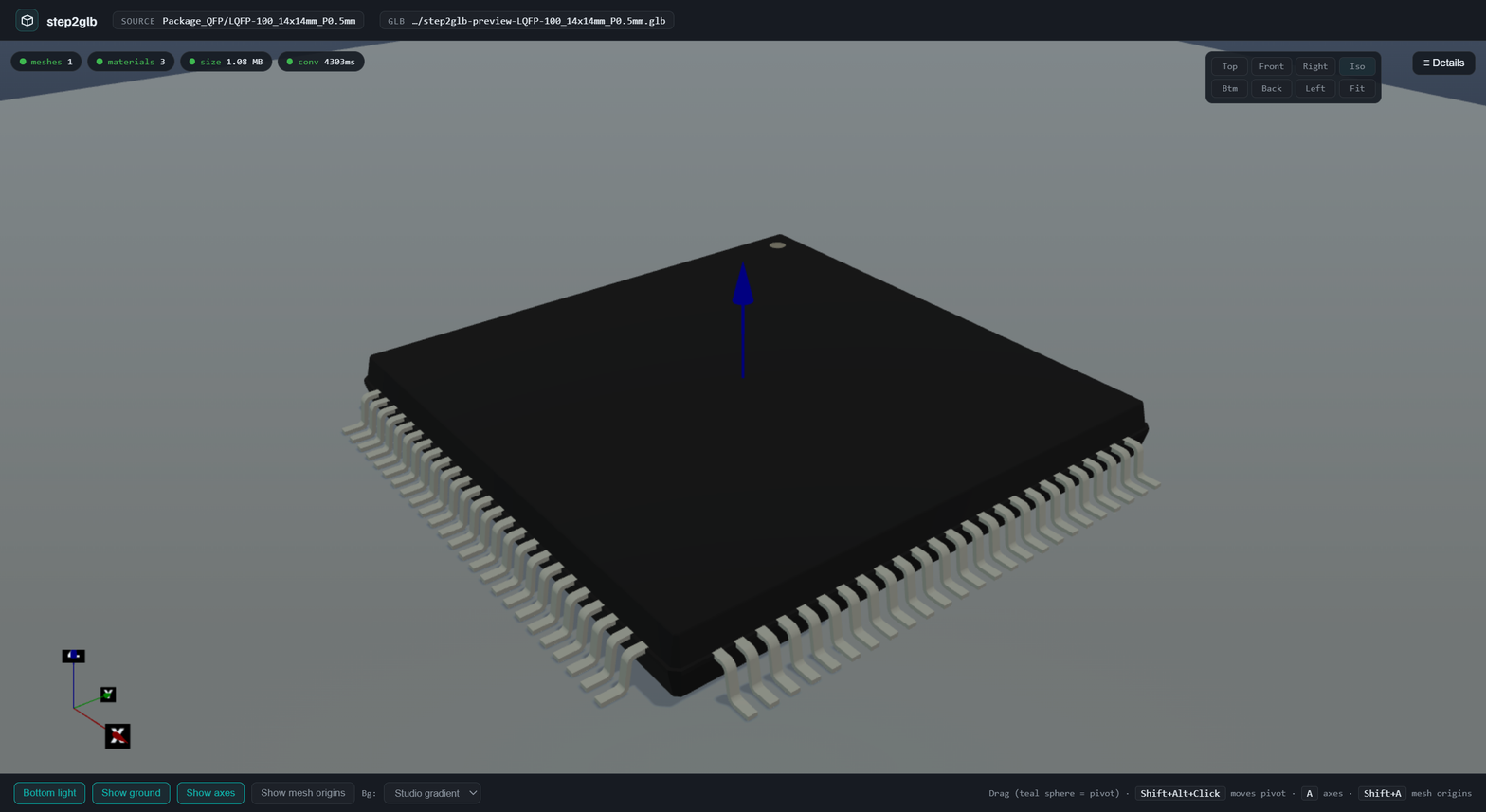
step2glb from-library Package_QFP/LQFP-100_14x14mm_P0.5mm

# Convert + open a Hydrogen webview with a materials HUD
step2glb preview Package_QFP/LQFP-100_14x14mm_P0.5mm
Every command prints an OK: / ERROR: summary line (with a Hint: on errors), followed by a JSON companion line so AI callers can parse the result programmatically.
Identity headers (v0.9.0+)
Every POST to service-step2glb requires two headers:
| Header | Purpose | Example |
|---|---|---|
X-Client | Who is calling (tool + user) | adom-tsci/john-dev |
X-Job-Name | Descriptive slug for this job | convert-usbc-connector-type-c-31-m-12-to-glb |
The CLI sends both automatically. If you're calling the service directly, include them or you'll get a 400 with instructions.
Building a good X-Job-Name: <endpoint>-<what>-<part-or-file>-<context>. Use lowercase, hyphens, no spaces. Include the MPN or filename so the job is identifiable in /health stats. Examples:
convert-usbc-connector-type-c-31-m-12-to-glbthumbnail-iso-vl53l8cx-for-chip-fetcher-libraryfeatures-extract-bme688-pin-detectionbatch-thumbnails-6orient-3size-rp2040
Abuse protection
- Content dedup: Submitting the same STEP file that's already queued/processing returns the existing job ID with
"deduplicated": trueinstead of spawning a new job. - Per-client cap: Max 8 active jobs per client. Returns 429 if exceeded.
- Per-file cap: Max 2 active jobs for the same content hash.
Async job queue (files >30MB)
Large files are converted asynchronously:
- POST
/convert→ returns{"job_id": "...", "poll": "/jobs/<id>"} - Poll
GET /jobs/<id>untilstatusiscompleteorfailed - Fetch
GET /jobs/<id>/resultfor the GLB bytes
Workers run at nice 15 so the health check and SSH always stay responsive. Max 4 concurrent workers; excess jobs queue.
Worker health stats
GET /health returns live worker pool stats:
{
  "workers": {
    "max_workers": 4,
    "active_workers": 2,
    "jobs_queued": 1,
    "jobs_processing": 2,
    "jobs_complete": 15,
    "jobs_failed": 3,
    "active_by_client": {
      "adom-tsci/john-dev": 2,
      "chip-fetcher/ray-main": 1
    }
  }
}
When active_workers == max_workers and jobs_queued is climbing, that's the signal to scale to additional containers.
Install
Paste this into Claude Code:
Install the latest step2glb CLI from the Adom Wiki (app/step2glb). It sends the required X-Client and X-Job-Name headers automatically.
Or manually:
curl -fsSL https://wiki-ufypy5dpx93o.adom.cloud/static/apps/step2glb/step2glb -o /tmp/step2glb \
  && chmod +x /tmp/step2glb \
  && sudo install -m 0755 /tmp/step2glb /usr/local/bin/step2glb \
  && step2glb install \
  && step2glb health
step2glb install fetches the latest SKILL.md from the wiki and installs bash completions. No venv, no pip, no OCCT locally.
Environment variables
| Variable | Purpose | Default |
|---|---|---|
STEP2GLB_SERVICE_API | Override service URL | shared Adom container |
STEP2GLB_CLIENT | Override X-Client identity | step2glb-cli/<version> |
HTTP API (service side)
| Method | Path | Notes |
|---|---|---|
| GET | /health | version + uptime + worker stats + active_by_client |
| POST | /convert | body=STEP bytes → GLB bytes (sync <30MB, async >30MB) |
| POST | /convert?upAxis=y | same, with up-axis rotation baked into the GLB |
| GET | /convert?library=L&name=N | one-call: service-kicad fetch + convert |
| POST | /features | STEP → geometric features JSON |
| POST | /step-meta | STEP → full B-rep metadata |
| POST | /create-chip | chip_3d JSON → parametric STEP |
| POST | /create-footprint | pads[] JSON → copper footprint STEP |
| POST | /bake | STEP + bake.json → signed .chipsmith.step |
| POST | /thumbnail | STEP/GLB → PNG |
| POST | /thumbnail-batch | STEP → N orientations × M sizes |
| GET | /jobs/<id> | poll async job status |
| GET | /jobs/<id>/result | fetch completed GLB |
All POST endpoints require X-Client and X-Job-Name headers. Response headers include X-Meshes, X-Nodes, X-Materials, X-Size-Bytes, X-Duration-Ms, and X-Materials-Json.
Architecture
- Client (this app) —
adom-inc/step2glb, public repo, 3 MB Rust binary, Tier B auto-discovery. - Service —
adom-inc/service-step2glb, private repo, default-light container (step2glb-gmdoncpxdwx0.adom.cloud:8782) with OCCT + Python + cadquery-ocp (~1.1 GB on-disk). Watchdog: cron every 2 min + external service-watcher with SSH auto-remediation. - Upstream data —
service-kicad(4.7 GB of STEP/WRL/symbols/footprints) supplies library parts forfrom-library.