name: shotlog
description: "Screenshot log viewer and injector. Use when: logging screenshots during debug loops, documenting visual progress, reviewing screenshot history, opening the screenshot log panel, injecting a screenshot into the log. Trigger words: shotlog, screenshot log, shot log, visual log, screenshot history, log screenshot, open shotlog, screenshot viewer."
Shotlog — Screenshot Log
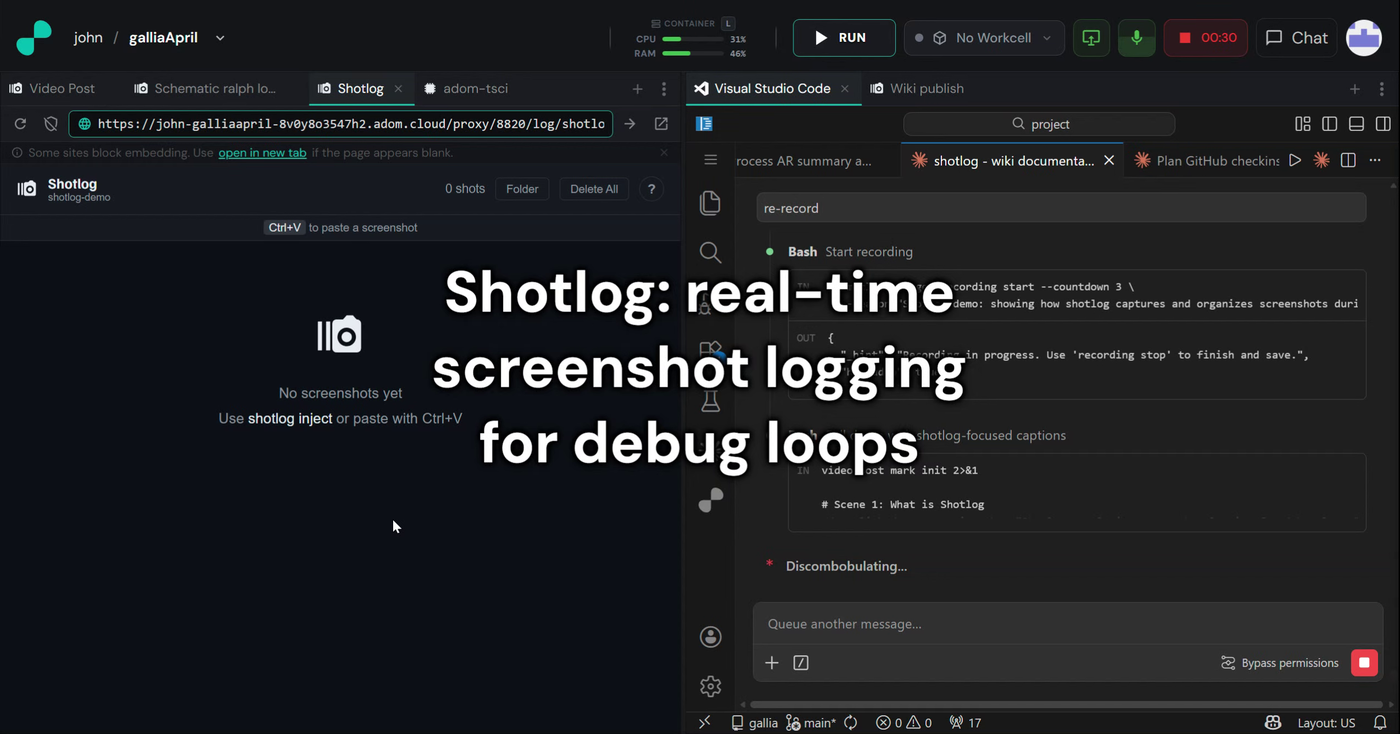
A Rust CLI + HTTP server (port 8820) that captures, stores, and displays
screenshots in channels. AI agents inject screenshots as they work; you watch
them arrive live in a gallery (desktop or mobile), newest first, each with its
description, source, and both the stored and original resolution.
Binary: /usr/local/bin/shotlog
Inject — one command
shotlog inject -c CHANNEL -d "what you see and why" -s SOURCE /path/to/image.png
shotlog always records the original capture resolution — and rejects any
inject that doesn't establish it, so the viewer never shows "orig missing".
Resizing before inject is fine and expected. Oversized images crash Claude's
vision analysis, so most Adom screenshot verbs return a shrunk copy on purpose.
shotlog doesn't fight that — it just requires the original size to travel with
the shot. Four ways through:
- Pre-shrunk + the original dimensions (the common case — your screenshot
step reports the pre-resize W×H, you pass them through).
shotlog inject -c proj -d "…" --orig-w 1920 --orig-h 1080 /tmp/shrunk.png
- Pre-shrunk + the original image — shotlog measures it (keep the full-res
file around for this).
shotlog inject -c proj -d "…" --orig-file /tmp/fullres.png /tmp/shrunk.png
--native — assert the image is at original capture resolution (never
resized). Use only when true.shotlog inject -c proj -d "…" --native /tmp/native-800x600.png
- Hand it the full-res image — shotlog resizes anything over 1500px (either
edge) down to 1400px and records the original automatically. Works, but only
when the image is small enough that sending it for analysis won't crash.
shotlog inject -c proj -d "Board after routing power traces" /tmp/fullres.png
The rejection: if FILE is ≤1500px (so shotlog won't resize it) and you give
none of --orig-w+--orig-h / --orig-file / --native, the inject is
refused with exit 1 and a hint. This is deliberate — it forces the original to
be known instead of silently losing it. A lone --orig-w or --orig-h is also
rejected. (- stdin trusts the caller; the clipboard paste path is exempt.)
Building a screenshot tool/verb? Make it (1) report the original
width/height alongside the resized image, and (2) keep the full-res file
available. Then every caller can satisfy shotlog with --orig-w/--orig-h
(or --orig-file). A screenshot verb that only returns a shrunk image with no
original metadata forces blind injects — fix it at the source.
| Flag | Required | Description |
|---|
-c | yes | Channel name (groups screenshots by task) |
-d | yes | Why this screenshot was taken (becomes the filename, min 6 chars) |
-s | no | Source: pup_screenshot, av_capture, hd_shot, etc. (default cli) |
--orig-file | for pre-shrunk images | Path to the original full-res image; shotlog measures it |
--orig-w / --orig-h | for pre-shrunk images | Original dims (alternative to --orig-file) |
--native | for unresized small images | Assert FILE is at original resolution |
FILE | yes | Image path (use - for stdin) |
CRITICAL: Always write great descriptions
The -d description becomes the filename (slugified) and is shown prominently on
every gallery card. Make it specific.
Bad: "screenshot", "test", "after fix", "board"
Good: "PCB layout after routing power traces", "3D model front view with LED indicators lit", "Error state when WiFi disconnected"
Think: what was I doing, what am I looking at, why did I take this shot?
The viewer
shotlog open -c my-project # opens the gallery as a Hydrogen webview tab
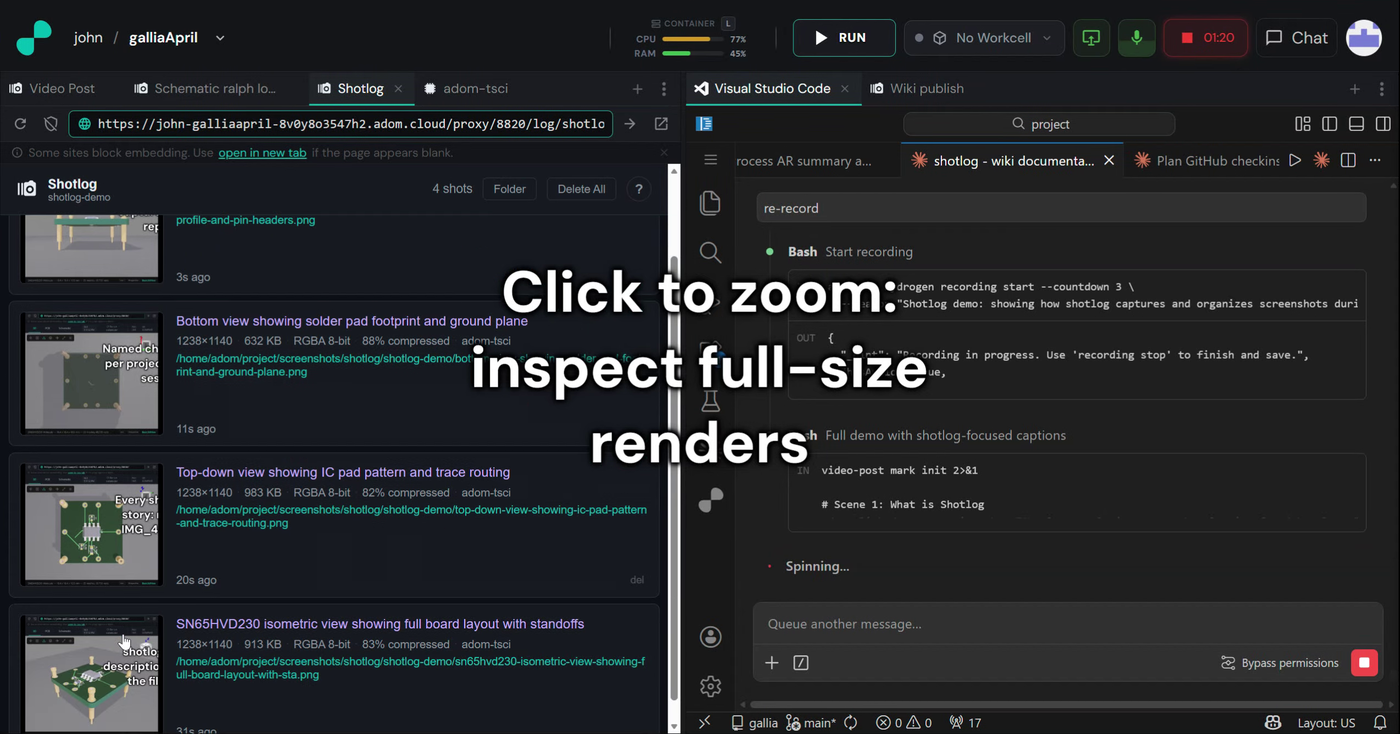
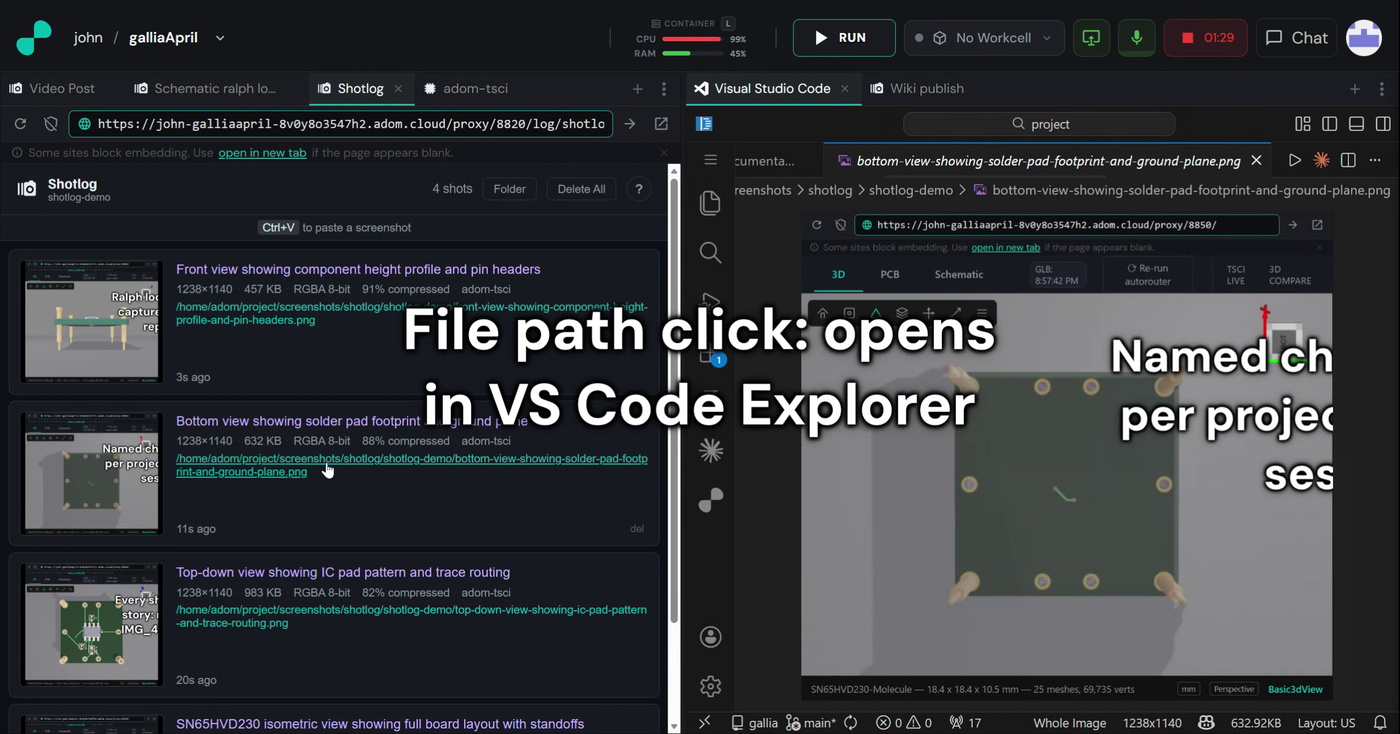
- Gallery, newest-first. Each card: description (prominent), timestamp,
size — shown as
1400×788 · orig 1920×1080 when the original differs, or just
the size when it doesn't — plus KB and source. Tap a card to zoom to the full
image + metadata.
- Mobile-ready — works on a phone browser; the header collapses gracefully.
- Green LED in the header = a viewer is connected (WebSocket live).
- Clipboard paste — Ctrl+V anywhere pastes a screenshot (auto-resized).
- Live updates — new injects appear at the top instantly over WebSocket.
Do not place a shotlog tab on the VS Code pane. shotlog open picks the
first leaf; in a typical layout that's the pane hosting VS Code (panelType
adom/a1b2c3d4-eeee-4000-a000-00000000000e), which covers the user's chat.
Prefer computing a non-VS-Code --panel-id and calling
adom-cli hydrogen workspace add-tab yourself.
Force-open safety net
If a screenshot is injected into a channel with no viewer connected, the
server auto-opens a viewer tab (debounced, once per channel per minute) so the
shot is never logged invisibly. Don't rely on it — open the viewer at the start
of a session.
Other commands
shotlog serve                # start the server (port 8820)
shotlog health               # check server status
shotlog resize FILE [-w 1400] [-o out.png]   # rarely needed — inject auto-resizes
shotlog install              # install binary + this skill + completions
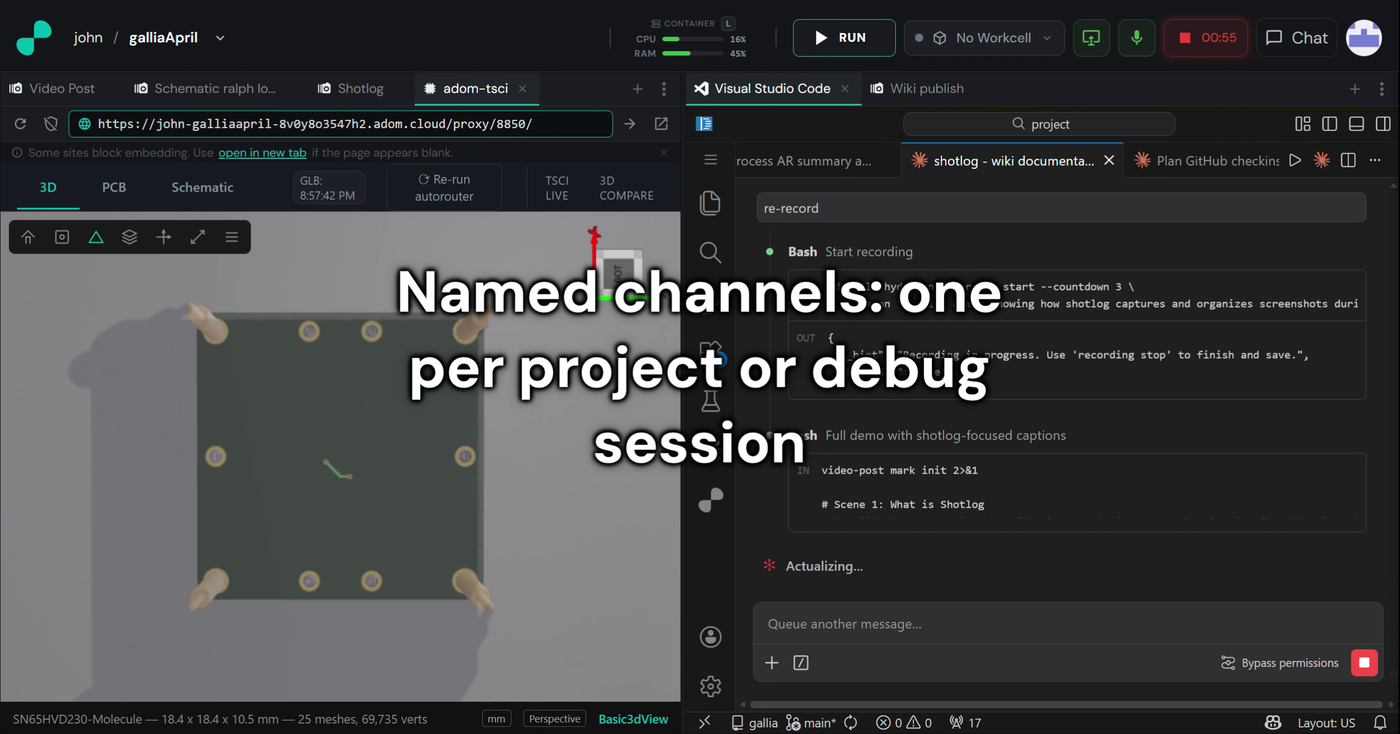
Channel naming
Use the project or task name: board-review, schematic-check, hd-setup-steps, debug-session.
Output
OK: Injected board-after-routing.png (1400x788, orig 1920x1080, 17 KB) into channel board-review
     Saved to: /home/adom/project/screenshots/shotlog/board-review/board-after-routing.png
Hint: Auto-resized from 1920x1080 → 1400x788; original size recorded.