●Community Submission — This content is pending review by the Adom team.v1.0.1
Skill
Chess — Multiplayer Chess
Play chess in the Gallia Viewer — vs a bot or multiplayer with room codes and a public lobby.
⚡Install this skill
Paste this into Claude Code (VS Code panel, Adom editor, or terminal) to install:
Search the Adom Wiki for the skill "Chess — Multiplayer Chess" (slug: chess) at https://wiki-ufypy5dpx93o.adom.cloud/wiki/skills/chess and install it into my local ~/.claude/skills/chess/ directory. Fetch the skill_source content from the wiki page and save it as SKILL.md. Then confirm it's installed by showing the first 5 lines.
What is a skill? Skills are instructions that teach AI assistants like Claude Code how to perform specific tasks.
The description below is loaded into the AI as context when you invoke this skill. Well-written skills make the AI significantly more effective.
Like Wikipedia, anyone can improve a skill by clicking Edit AI Skill — or have your AI submit an edit on your behalf.
Screenshots
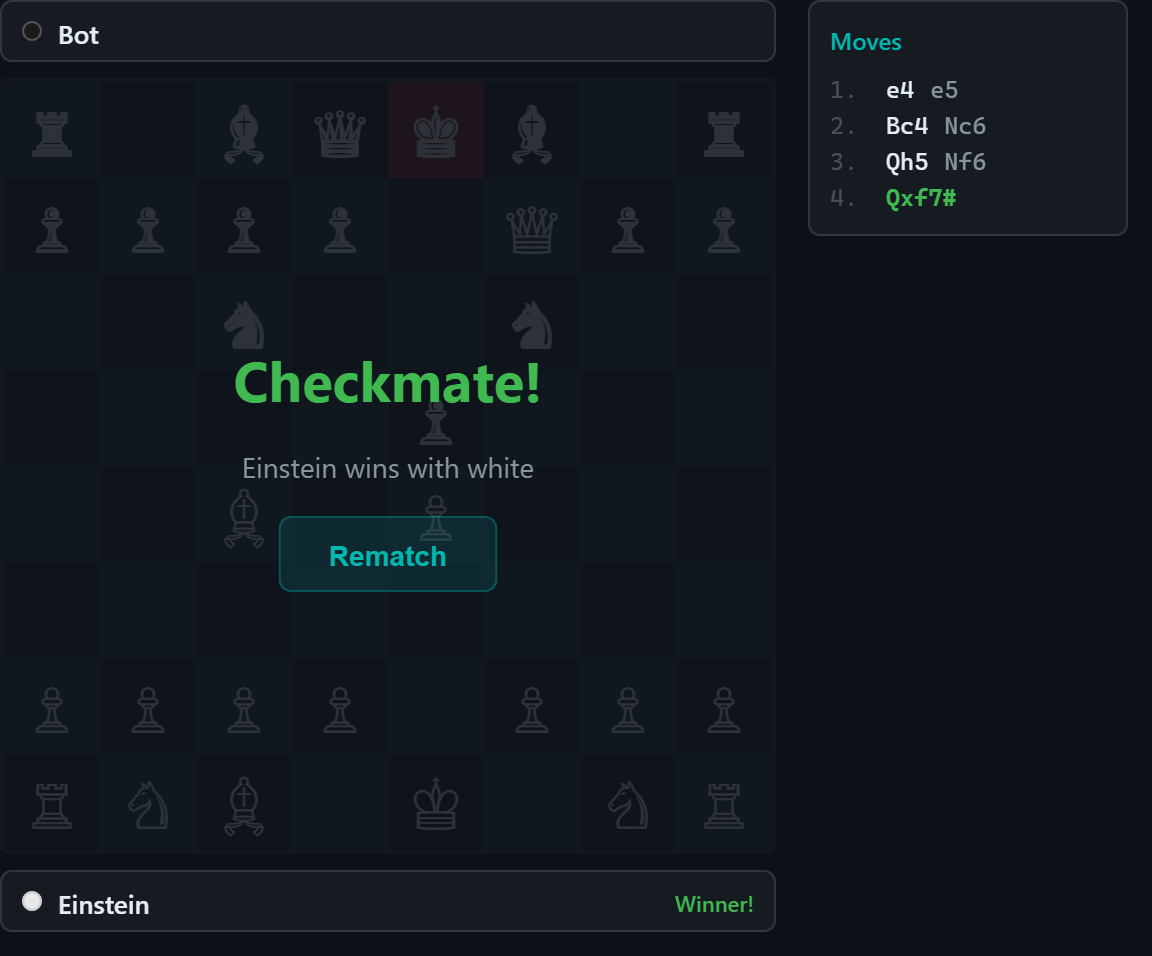
Checkmate — Scholar's mate with win overlay and rematch button
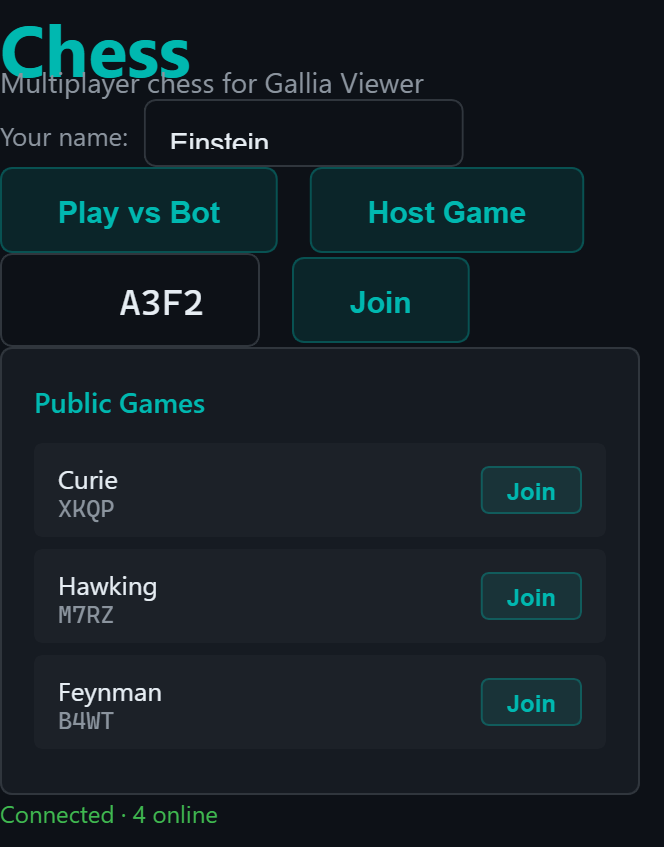
Chess lobby — player name, Play vs Bot / Host Game buttons, join by code, and public game browser
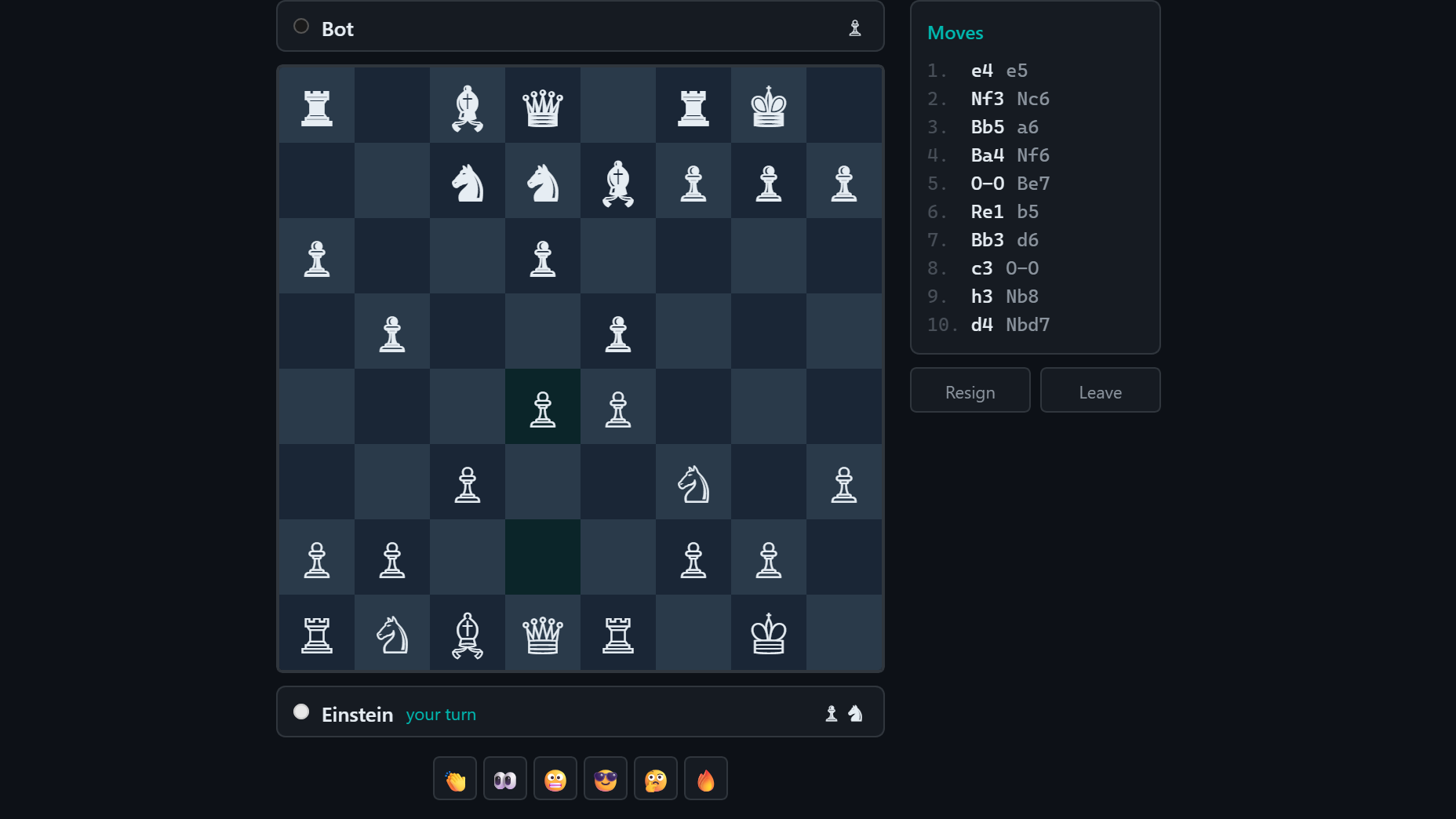
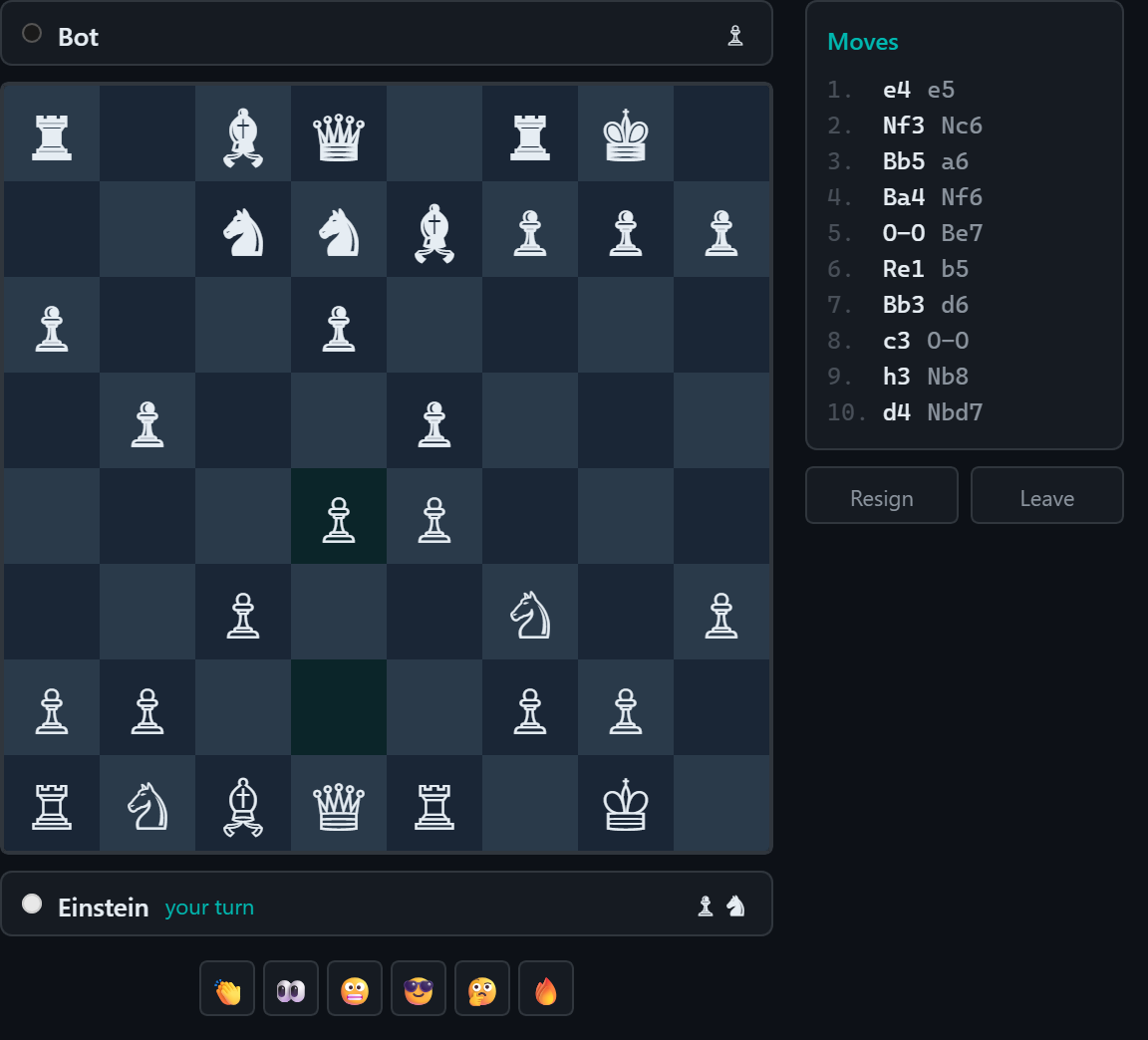
Mid-game — Ruy Lopez after 10 moves with board, move history, emotes, and captured pieces
An interactive chess game that runs inside the Gallia Viewer. Play against an AI bot locally, or challenge other Adom users to multiplayer games via room codes or the public lobby.
Features
Complete chess engine — castling, en passant, pawn promotion, check, checkmate, stalemate, 50-move rule, insufficient material detection
Bot mode — minimax with alpha-beta pruning (depth 3) for a solid AI opponent
Multiplayer — host or join games with 4-character room codes, or browse the public lobby
Player names — pick your own or get a random scientist name (Einstein, Curie, Hawking...)
---
name: chess
description: Use when the user wants to play chess, start a chess game, challenge someone to chess, or launch the multiplayer chess app in Gallia Viewer. Covers bot mode, hosting games, and joining games with a code.
user-invokable: true
---

# Chess — Multiplayer Chess for Gallia Viewer

Launch an interactive chess app in the Gallia Viewer with bot play and multiplayer support.

## Step 1: Get the Chess App

The chess app is hosted on GitHub. Clone the repo if the file isn't already present:

```bash
if [ ! -f /home/adom/project/chess-app.html ]; then
  git clone https://github.com/noah-adom-industries/gallia-chess.git /tmp/gallia-chess
  cp /tmp/gallia-chess/chess-app.html /home/adom/project/chess-app.html
  rm -rf /tmp/gallia-chess
fi
```

## Step 2: Display the Chess App in Gallia Viewer

```
mcp__adom-viewer__gv_display_file({ file_path: '/home/adom/project/chess-app.html', title: 'Chess' })
```

## Step 3: Guide the User

- **Play vs Bot** — Click "Play vs Bot" for a local game against the AI
- **Host Game** — Click "Host Game" to create a room. Share the 4-character code with your opponent.
- **Join Game** — Enter a code and click "Join", or browse public games in the lobby
- **Emotes** — Use the emote buttons at the bottom during a game
Sub-Skills
?
What are Sub-Skills?
Sub-skills are community-contributed AI skill extensions for this component.
They teach AI assistants about specific tools, configurators, or workflows.
Examples:
A manufacturer’s configuration tool for a motor controller
A community-written design guide for an amplifier circuit
An automated test/validation script for a sensor module
How to add one: Click Add Sub-Skill, provide the URL
to your skill and a brief description. Submissions are reviewed by the Adom team
before going live.
No sub-skills yet. Be the first to contribute one!