Exported from the Adom Fusion 360 library.
Molecule
USB Micro B Male Vertical Chip
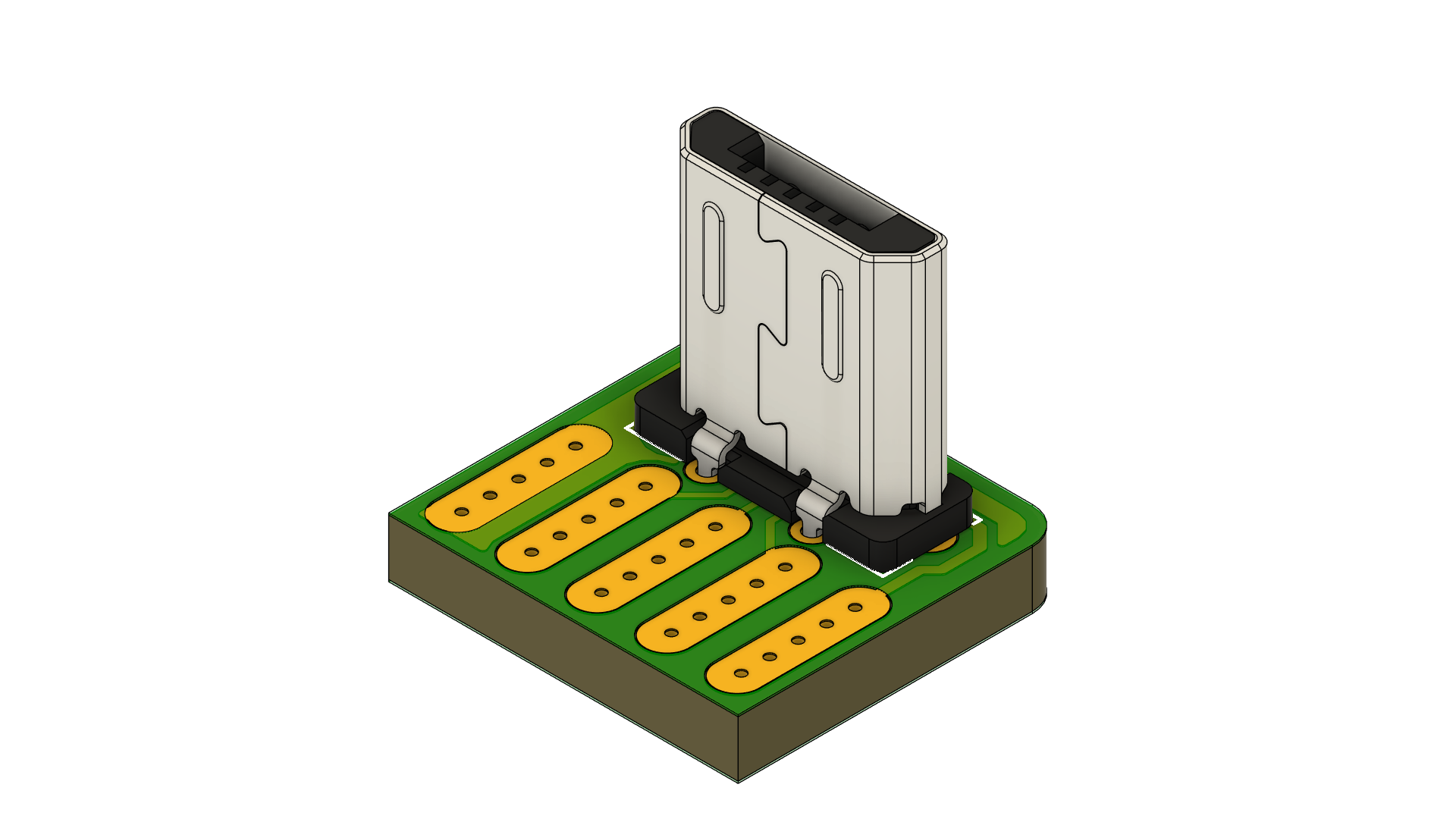
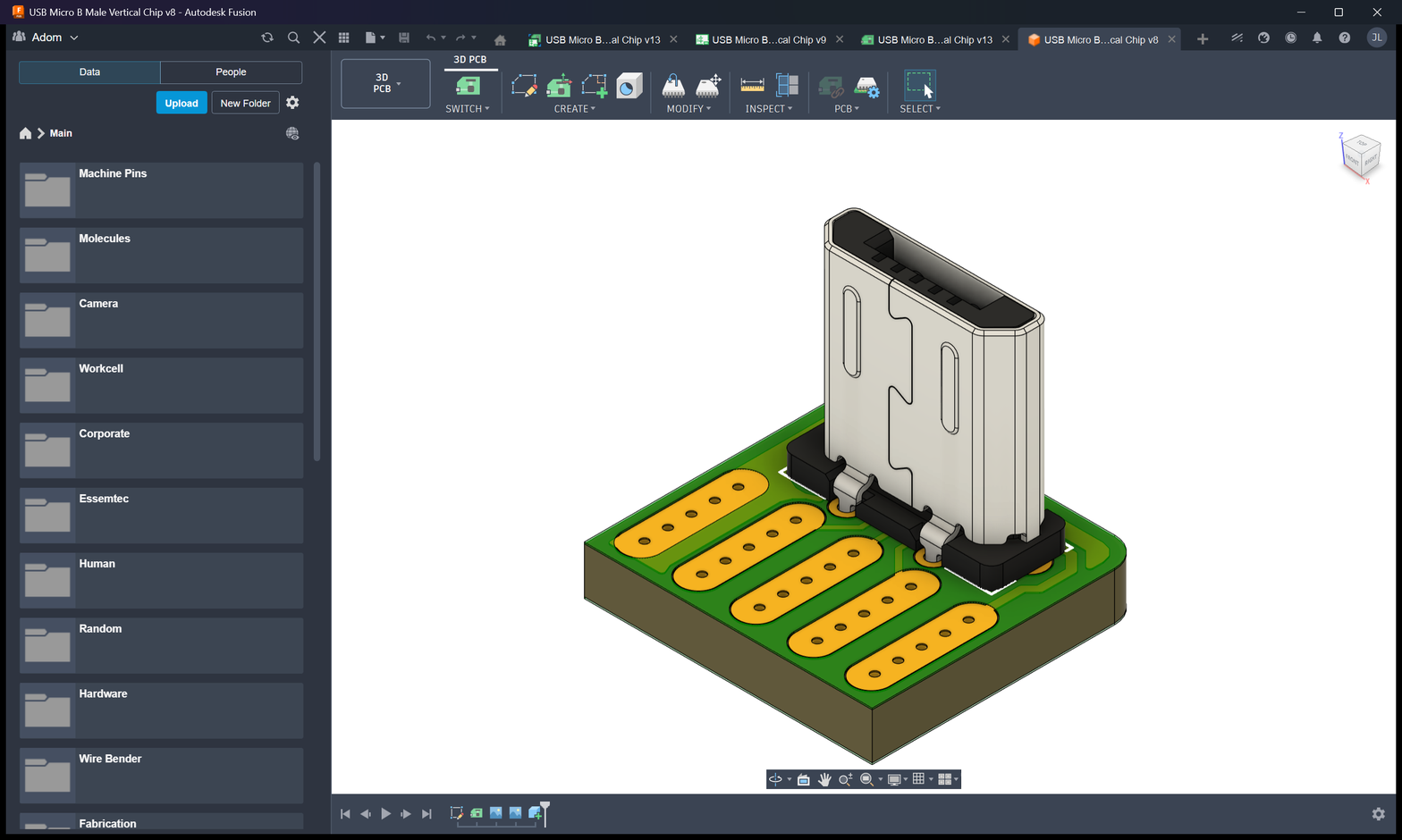
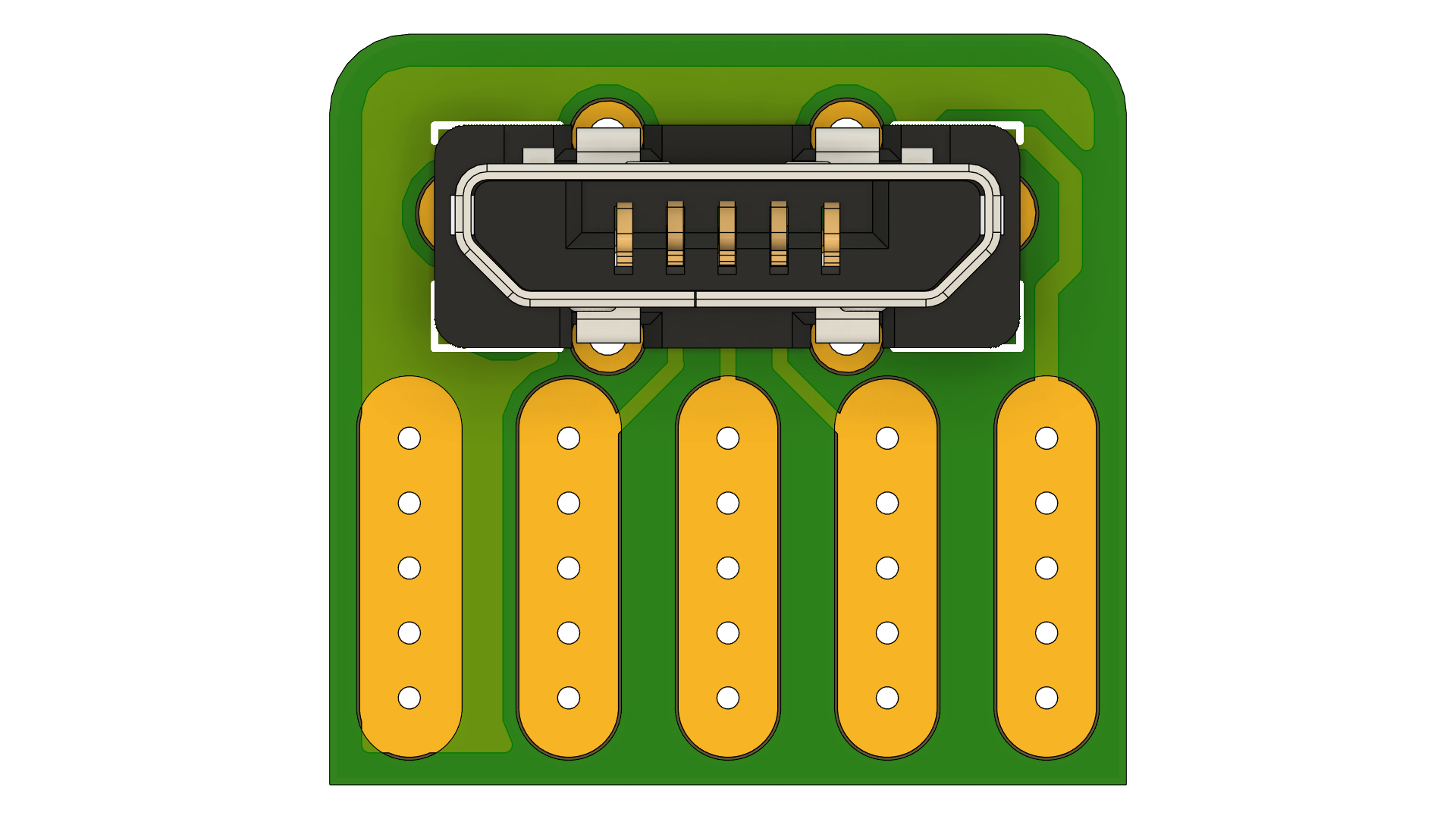
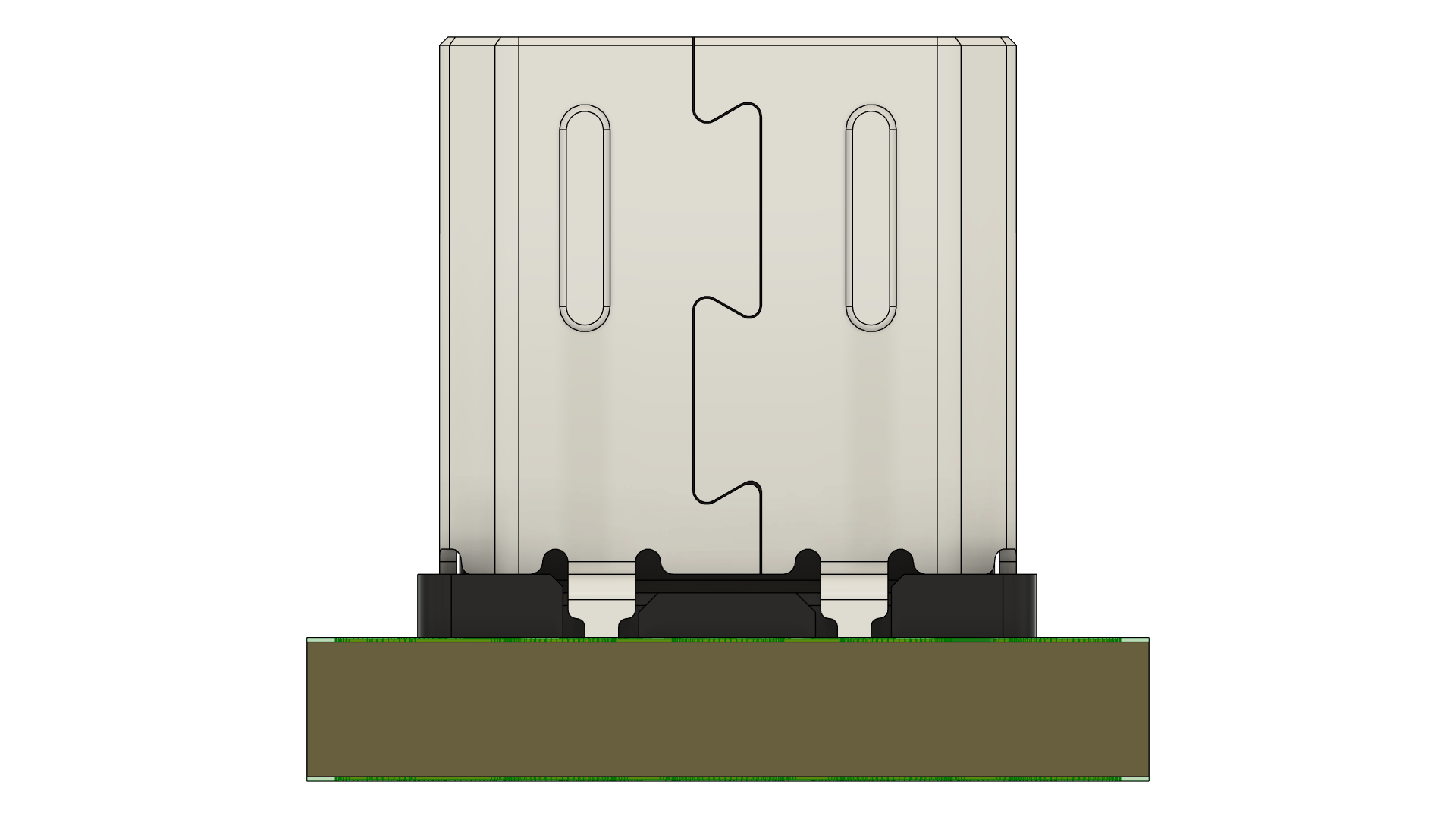
Molecule exported from Fusion 360: USB Micro B Male Vertical Chip
Photo
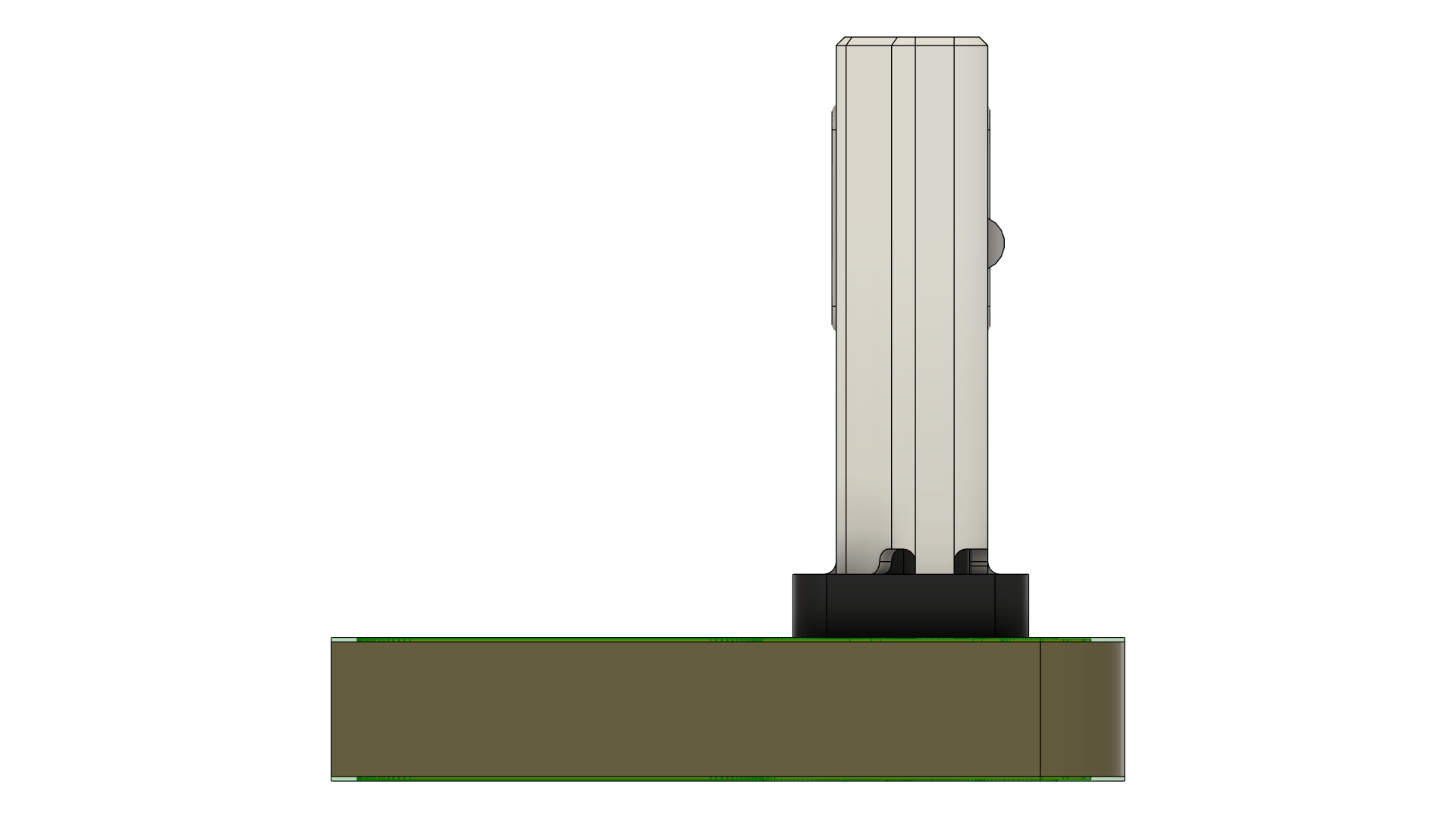
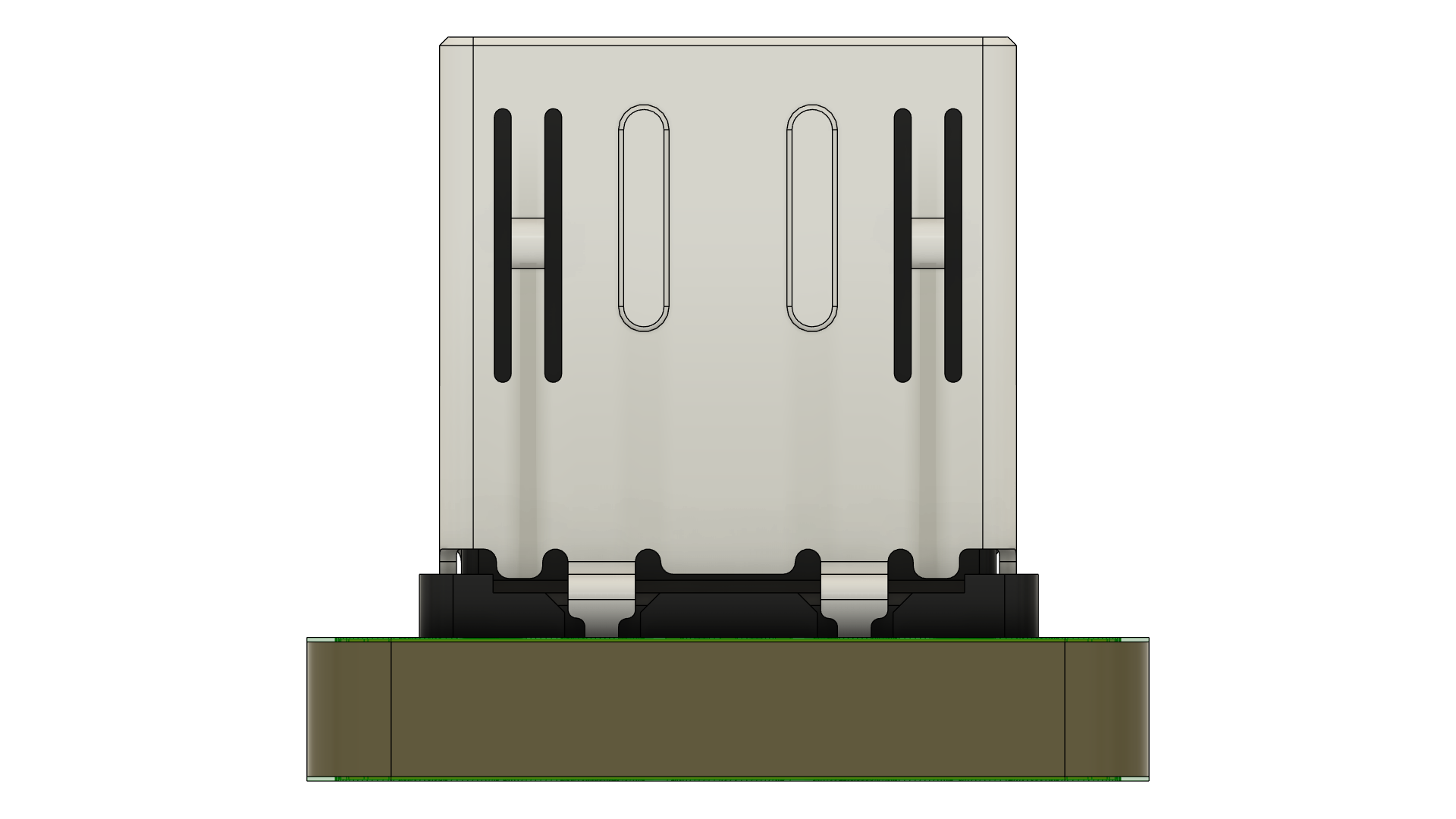
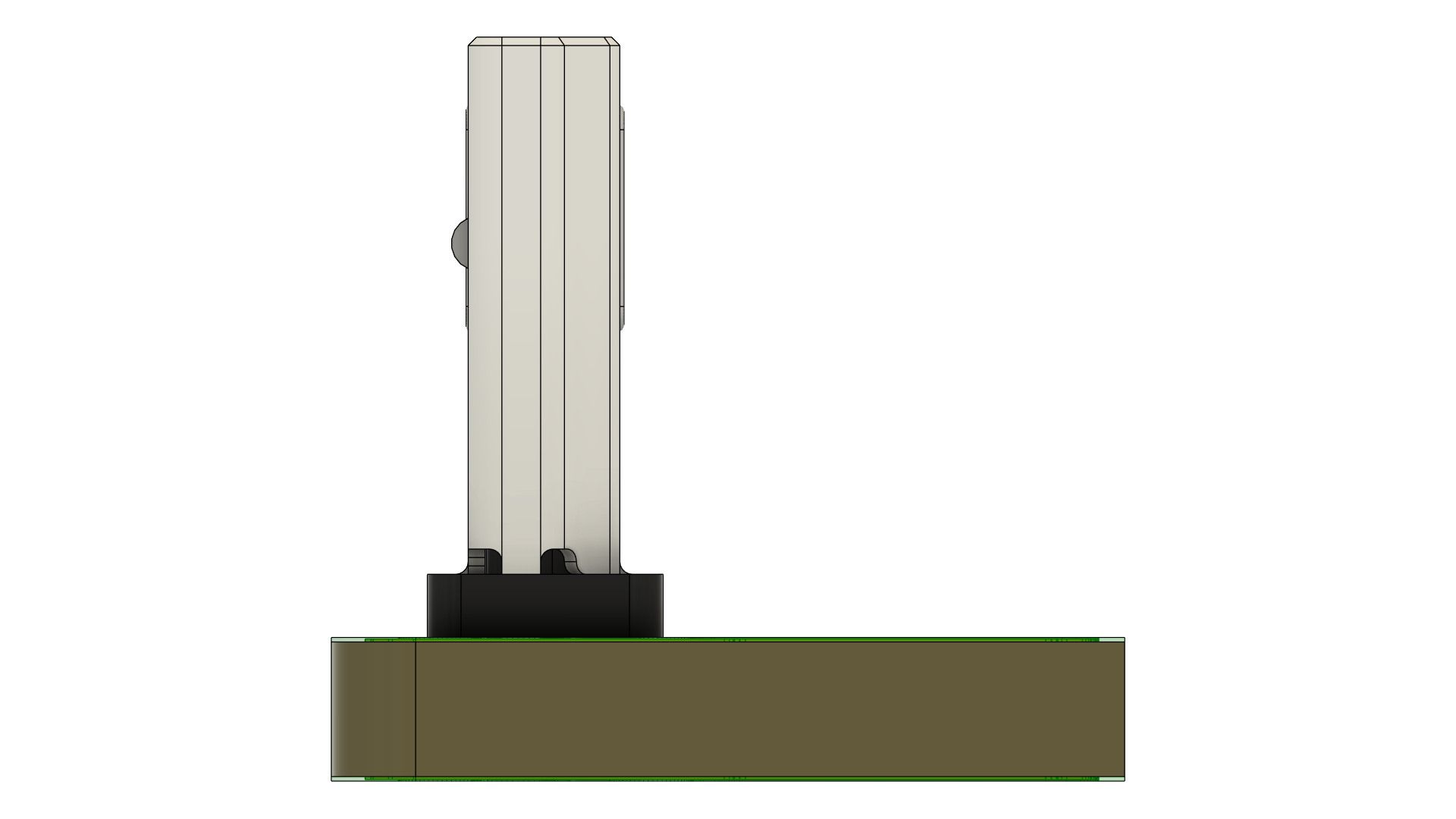
Creator
Ray
Version
1.0.1
Category
USB Micro B Male
Assets
10 files
Install this molecule
Paste this into Claude Code (VS Code panel, Adom editor, or terminal) to install:
Search the Adom Wiki for the molecule "USB Micro B Male Vertical Chip" (slug: usb-micro-b-male-vertical-chip) at https://wiki-ufypy5dpx93o.adom.cloud/wiki/molecules/usb-micro-b-male-vertical-chip. Download its symbol (.kicad_sym), footprint (.kicad_mod), and 3D model (.glb/.step) assets into my current KiCad project under symbols/, footprints/, and 3dmodels/ directories. Register them in the project library tables. Show me the files once installed.
Files
Download ZIP| USB Micro B Male Vertical Chip.fbrd | PCB Board | |
| USB Micro B Male Vertical Chip.f3d | Fusion 360 | |
| USB Micro B Male Vertical Chip.fsch | Schematic | |
| USB Micro B Male Vertical Chip.usdz | AR Model |
Source files
| USB Micro B Male Vertical Chip.usdz | usdz | 1.3 MB | |
| USB_Micro_B_Male_Vertical_Chip_v13_gerbers.zip Gerber Manufacturing Files |
gerbers | 10.1 KB | |
| bom.csv | bom | 137 B | |
| cpl.csv | cpl | 86 B | |
| USB Micro B Male Vertical Chip.step | step | 5.2 MB | |
| USB Micro B Male Vertical Chip.stl | stl | 2.6 MB | |
| USB Micro B Male Vertical Chip.sat | sat | 5.9 MB | |
| USB Micro B Male Vertical Chip.igs | igs | 9.7 MB | |
| USB Micro B Male Vertical Chip.fsch | fsch | 13.5 KB | |
| board-screenshot.png Board Screenshot |
screenshot | 710.0 KB | |
| USB Micro B Male Vertical Chip.3mf | 3mf | 732.8 KB | |
| USB Micro B Male Vertical Chip.f3d | f3d | 2.4 MB | |
| USB Micro B Male Vertical Chip.fbrd | fbrd | 25.0 KB | |
| assembly_top.png Assembly Top |
screenshot | 40.3 KB | |
| assembly_bottom.png Assembly Bottom |
screenshot | 40.3 KB | |
| board_outline.png Board Outline |
screenshot | 40.3 KB | |
| top_copper.png Top Copper Layer |
screenshot | 40.3 KB | |
| bottom_copper.png Bottom Copper Layer |
screenshot | 40.3 KB | |
| fabrication.png Fabrication Drawing |
screenshot | 40.3 KB | |
| 3d-back.png 3D Back View |
screenshot | 116.9 KB | |
| 3d-top.png 3D Top View |
screenshot | 184.9 KB | |
| 3d-bottom.png 3D Bottom View |
screenshot | 172.7 KB | |
| 3d-left.png 3D Left View |
screenshot | 49.4 KB | |
| 3d-right.png 3D Right View |
screenshot | 52.2 KB | |
| 3d-board.png 3D Board View |
screenshot | 215.7 KB | |
| 3d-front.png 3D Front View |
screenshot | 111.4 KB |
Sub-Skills
What are Sub-Skills?
Sub-skills are community-contributed AI skill extensions for this component.
They teach AI assistants about specific tools, configurators, or workflows.
Examples:
- A manufacturer’s configuration tool for a motor controller
- A community-written design guide for an amplifier circuit
- An automated test/validation script for a sensor module
How to add one: Click Add Sub-Skill, provide the URL
to your skill and a brief description. Submissions are reviewed by the Adom team
before going live.
What are Sub-Skills?
Sub-skills are community-contributed AI skill extensions for this component. They teach AI assistants about specific tools, configurators, or workflows.
Examples:
- A manufacturer’s configuration tool for a motor controller
- A community-written design guide for an amplifier circuit
- An automated test/validation script for a sensor module
How to add one: Click Add Sub-Skill, provide the URL to your skill and a brief description. Submissions are reviewed by the Adom team before going live.
No sub-skills yet. Be the first to contribute one!