Exported from the Adom Fusion 360 library.
Molecule
DRV8323SRTAR
Molecule exported from Fusion 360: DRV8323SRTAR
Photo
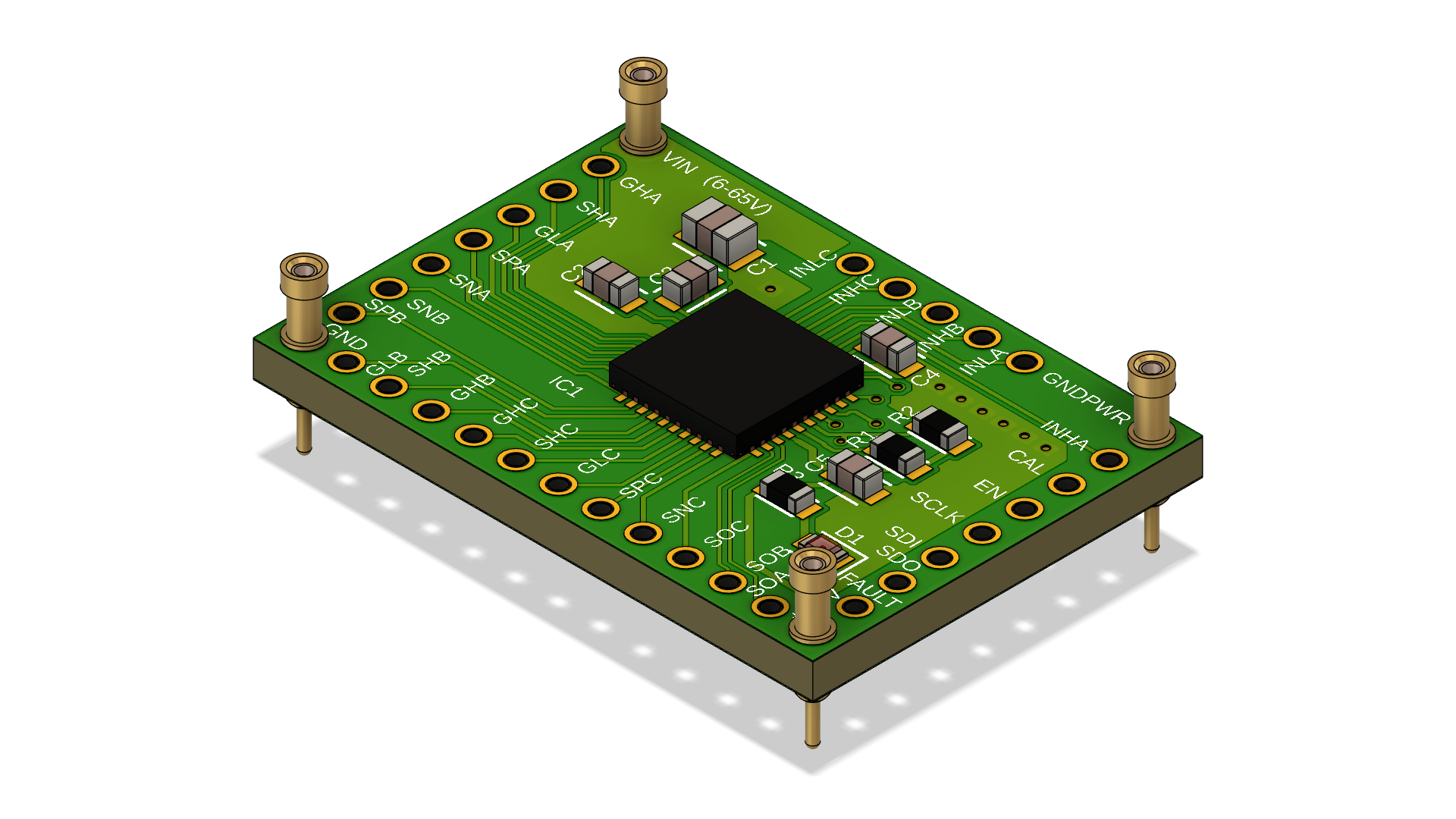
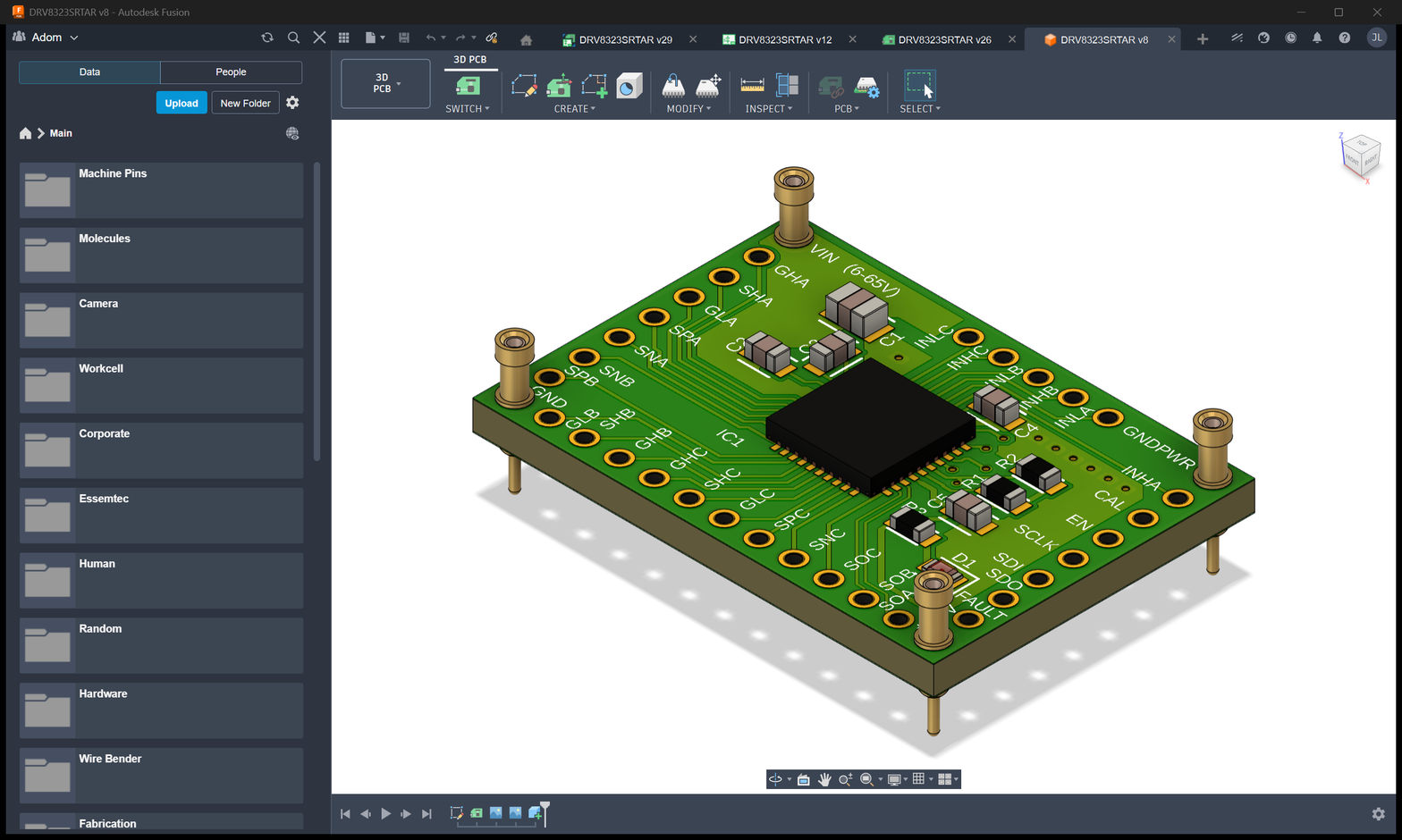
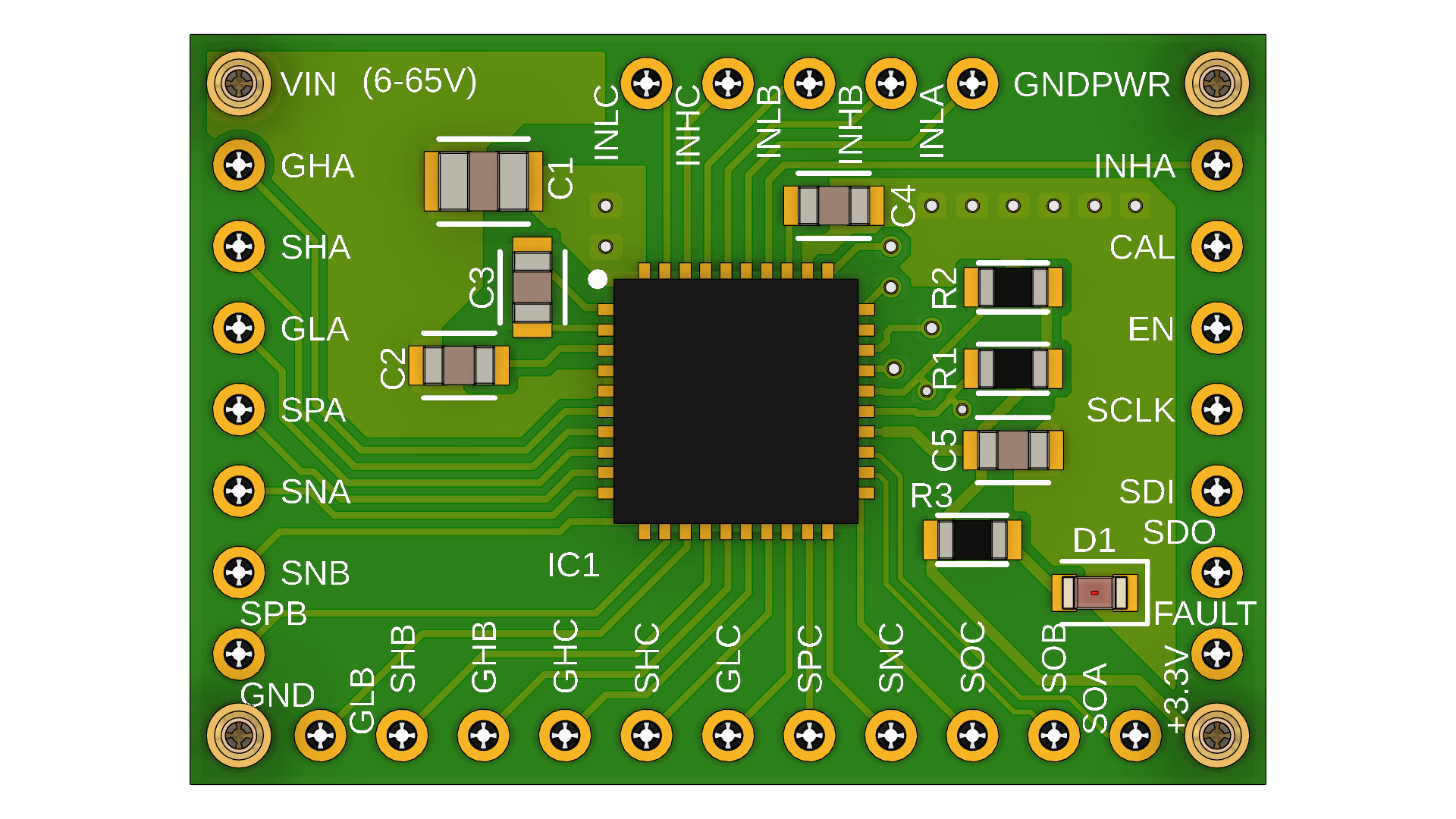
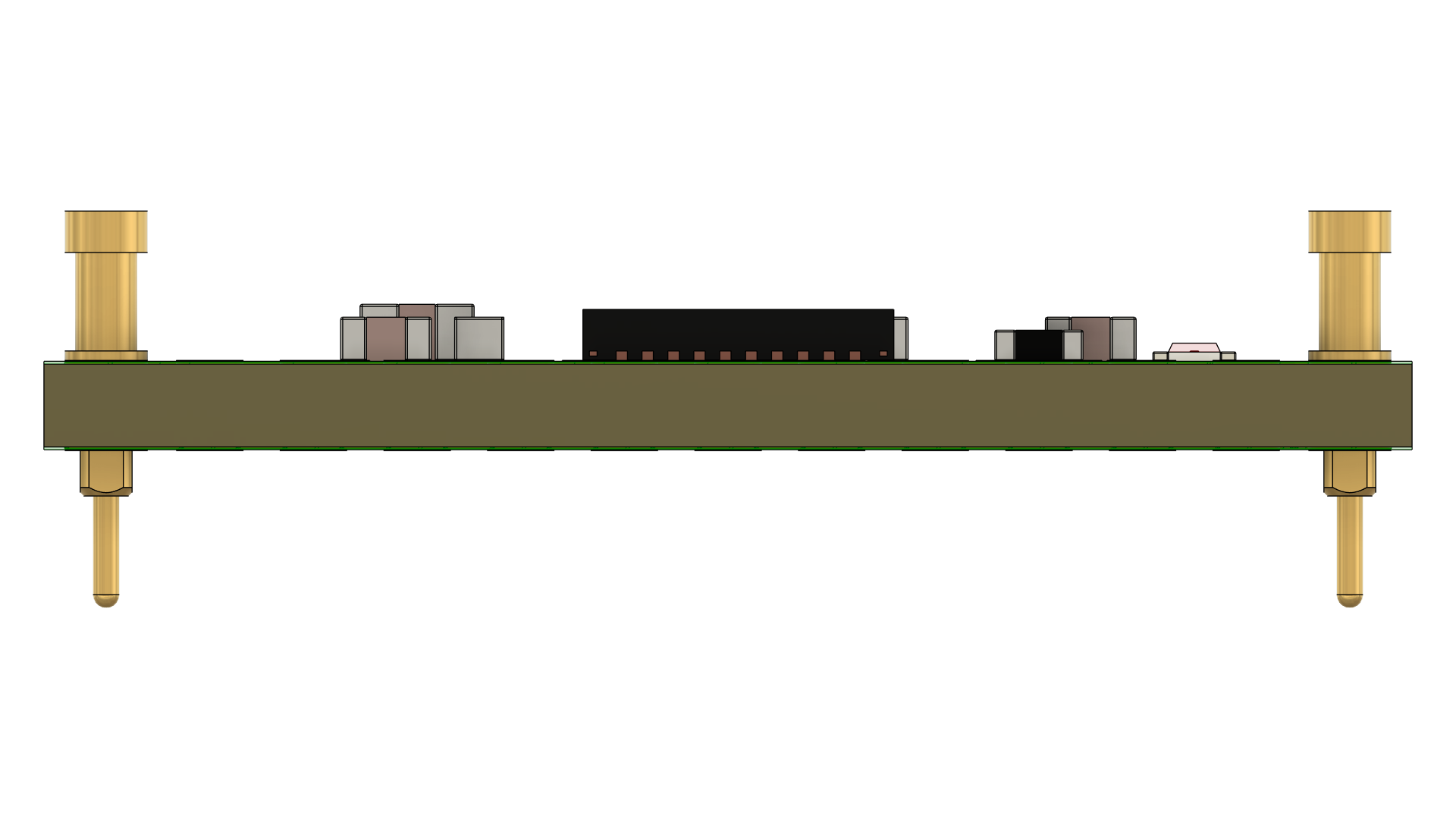
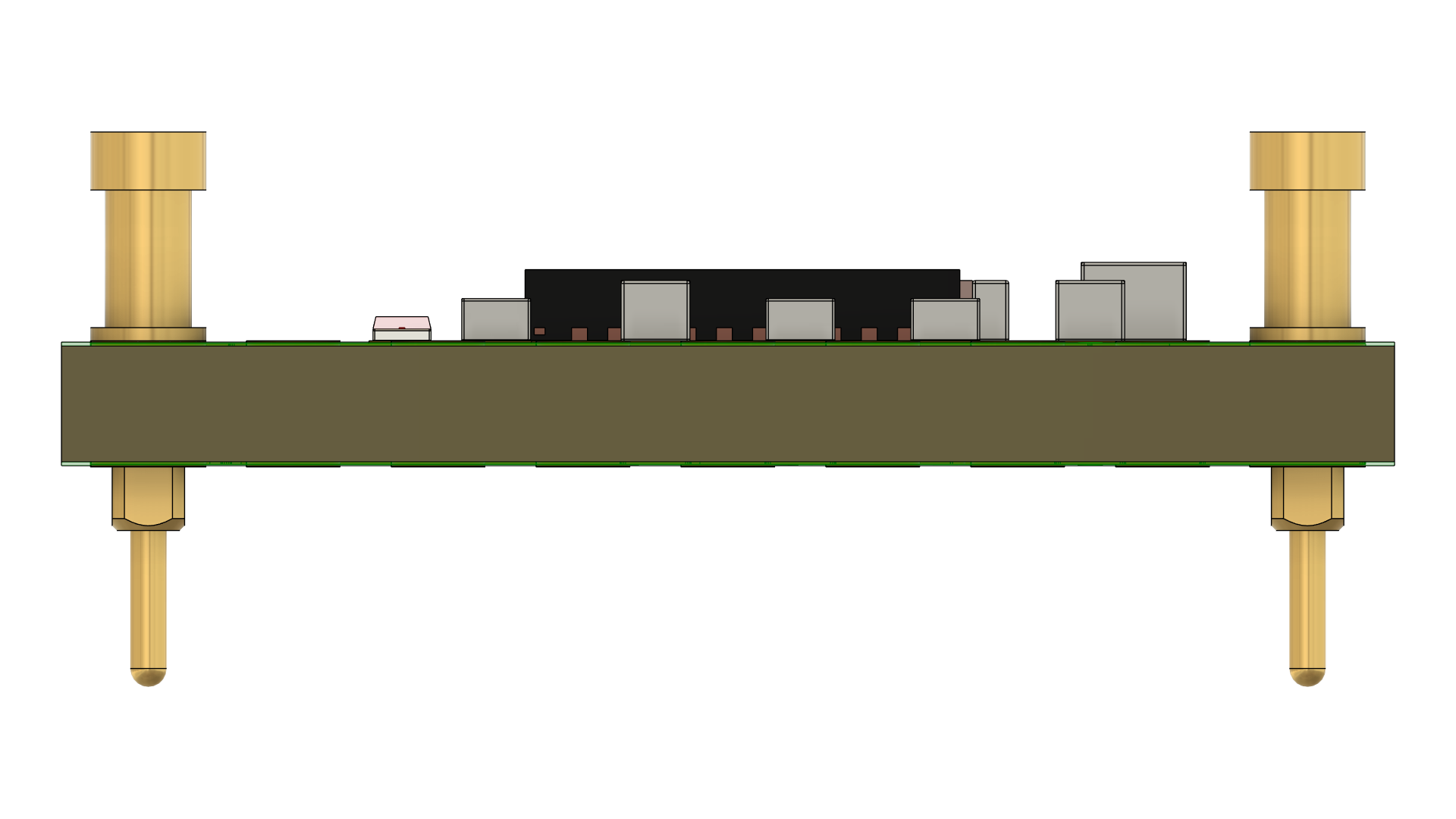
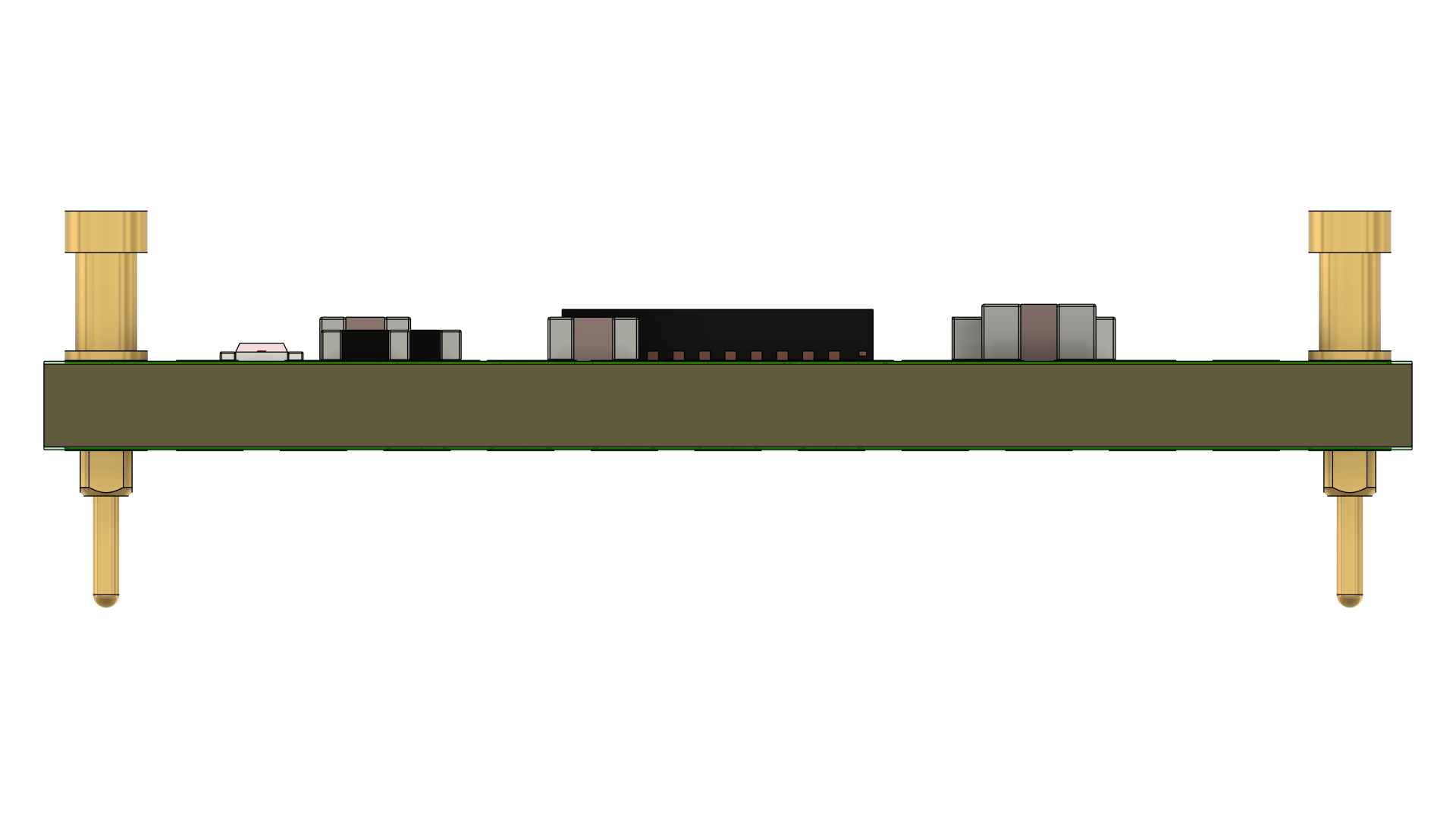
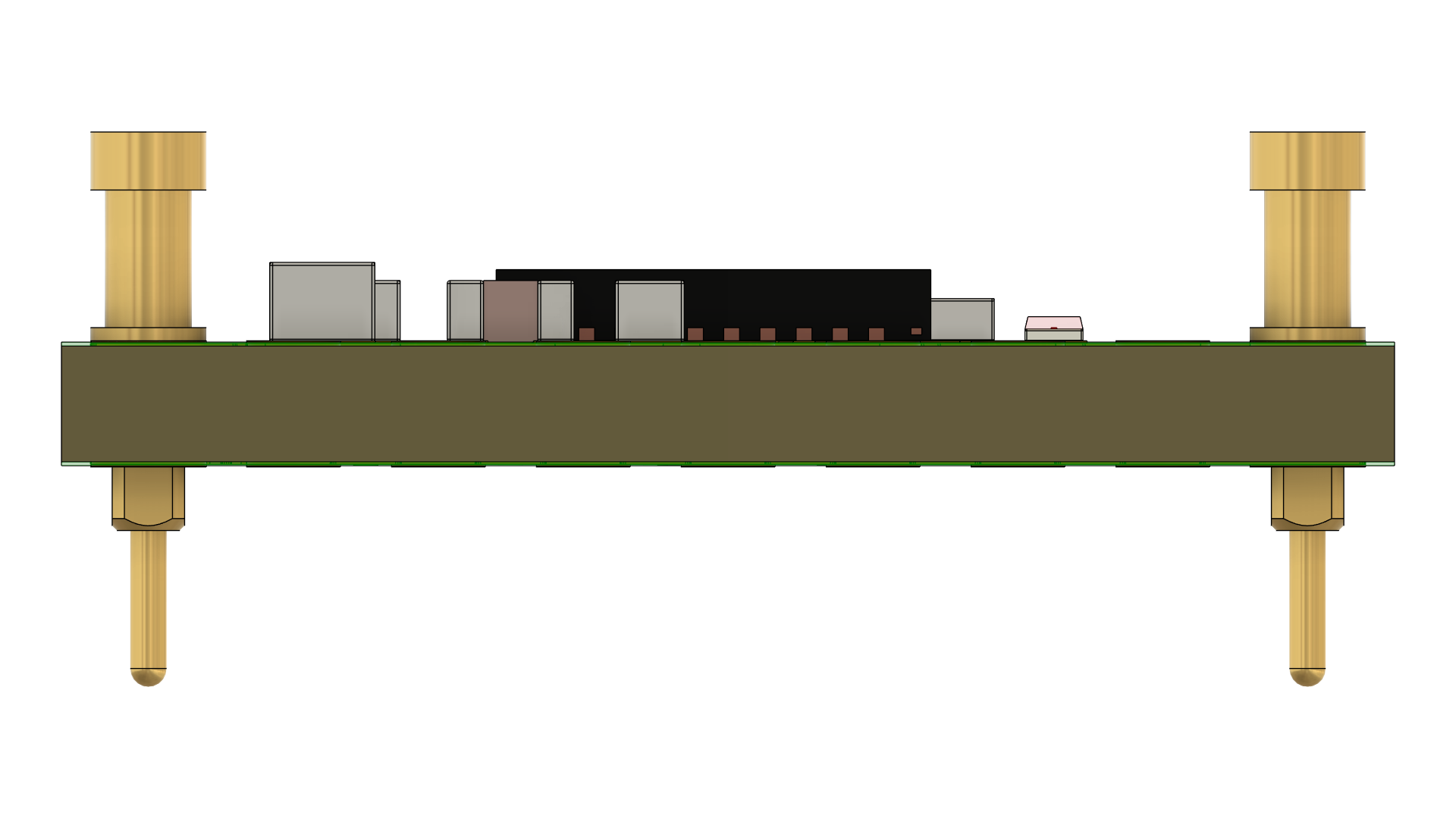
Creator
Ray
Version
1.0.1
Category
DRV8323S
Assets
10 files
Install this molecule
Paste this into Claude Code (VS Code panel, Adom editor, or terminal) to install:
Search the Adom Wiki for the molecule "DRV8323SRTAR" (slug: drv8323srtar) at https://wiki-ufypy5dpx93o.adom.cloud/wiki/molecules/drv8323srtar. Download its symbol (.kicad_sym), footprint (.kicad_mod), and 3D model (.glb/.step) assets into my current KiCad project under symbols/, footprints/, and 3dmodels/ directories. Register them in the project library tables. Show me the files once installed.
Files
Download ZIP| DRV8323SRTAR.fbrd | PCB Board | |
| DRV8323SRTAR.f3d | Fusion 360 | |
| DRV8323SRTAR.fsch | Schematic | |
| DRV8323SRTAR.usdz | AR Model |
Source files
| DRV8323SRTAR.usdz | usdz | 2.2 MB | |
| DRV8323SRTAR_v26_gerbers.zip Gerber Manufacturing Files |
gerbers | 63.6 KB | |
| bom.csv | bom | 657 B | |
| cpl.csv | cpl | 914 B | |
| DRV8323SRTAR.stl | stl | 6.6 MB | |
| DRV8323SRTAR.step | step | 6.1 MB | |
| DRV8323SRTAR.sat | sat | 10.8 MB | |
| DRV8323SRTAR.igs | igs | 11.9 MB | |
| DRV8323SRTAR.fbrd | fbrd | 37.9 KB | |
| DRV8323SRTAR.fsch | fsch | 36.7 KB | |
| board-screenshot.png Board Screenshot |
screenshot | 624.3 KB | |
| DRV8323SRTAR.3mf | 3mf | 1.7 MB | |
| DRV8323SRTAR.f3d | f3d | 2.3 MB | |
| assembly_bottom.png Assembly Bottom |
screenshot | 205.6 KB | |
| board_outline.png Board Outline |
screenshot | 205.6 KB | |
| top_copper.png Top Copper Layer |
screenshot | 205.6 KB | |
| bottom_copper.png Bottom Copper Layer |
screenshot | 205.6 KB | |
| fabrication.png Fabrication Drawing |
screenshot | 205.6 KB | |
| 3d-bottom.png 3D Bottom View |
screenshot | 283.4 KB | |
| 3d-left.png 3D Left View |
screenshot | 73.3 KB | |
| 3d-right.png 3D Right View |
screenshot | 72.2 KB | |
| 3d-board.png 3D Board View |
screenshot | 372.1 KB | |
| assembly_top.png Assembly Top |
screenshot | 205.6 KB | |
| 3d-front.png 3D Front View |
screenshot | 53.8 KB | |
| 3d-back.png 3D Back View |
screenshot | 53.2 KB | |
| 3d-top.png 3D Top View |
screenshot | 486.0 KB |
Sub-Skills
What are Sub-Skills?
Sub-skills are community-contributed AI skill extensions for this component.
They teach AI assistants about specific tools, configurators, or workflows.
Examples:
- A manufacturer’s configuration tool for a motor controller
- A community-written design guide for an amplifier circuit
- An automated test/validation script for a sensor module
How to add one: Click Add Sub-Skill, provide the URL
to your skill and a brief description. Submissions are reviewed by the Adom team
before going live.
What are Sub-Skills?
Sub-skills are community-contributed AI skill extensions for this component. They teach AI assistants about specific tools, configurators, or workflows.
Examples:
- A manufacturer’s configuration tool for a motor controller
- A community-written design guide for an amplifier circuit
- An automated test/validation script for a sensor module
How to add one: Click Add Sub-Skill, provide the URL to your skill and a brief description. Submissions are reviewed by the Adom team before going live.
No sub-skills yet. Be the first to contribute one!