Exported from the Adom Fusion 360 library.
Molecule
Component 3x1 0603 Panelized with Slots
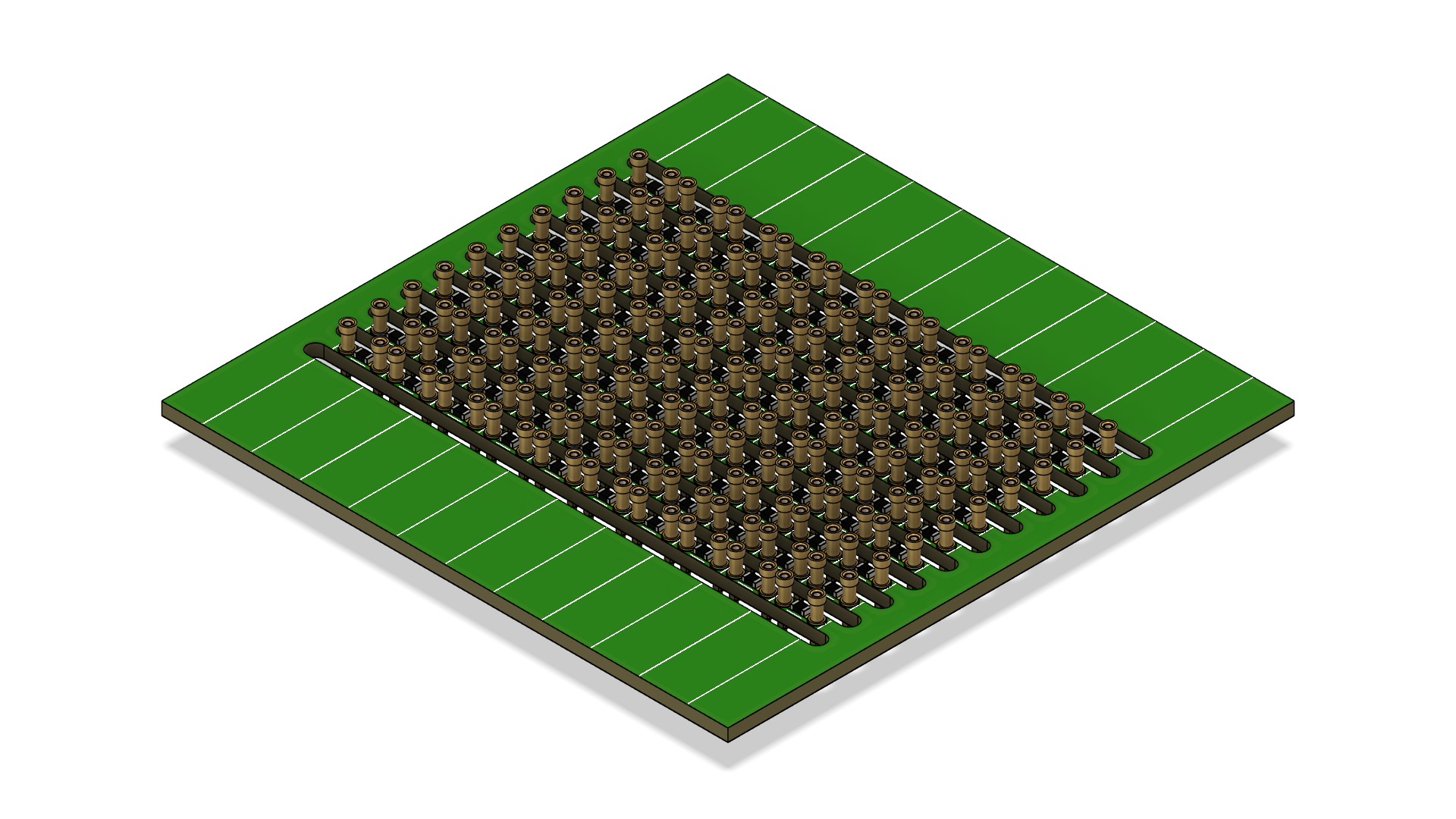
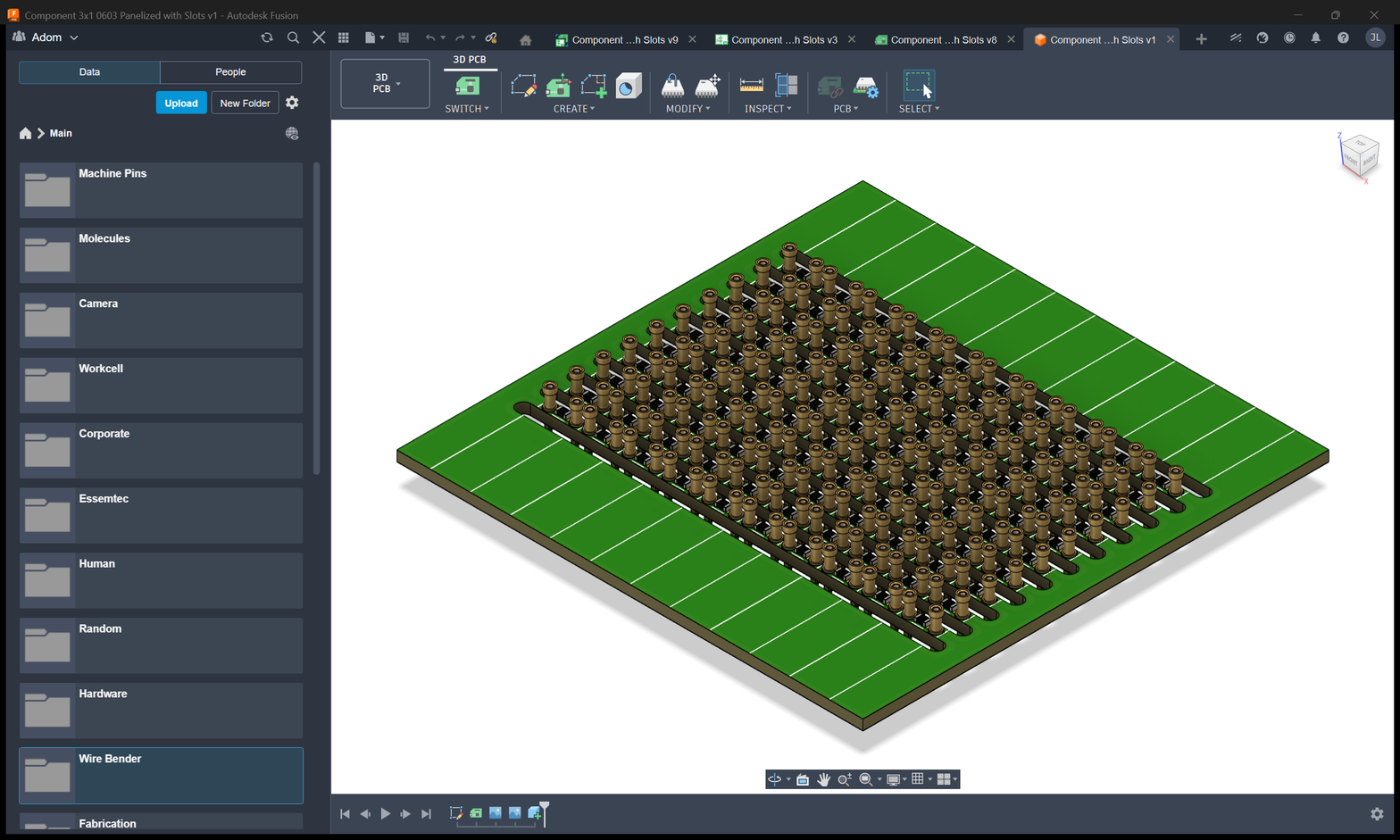
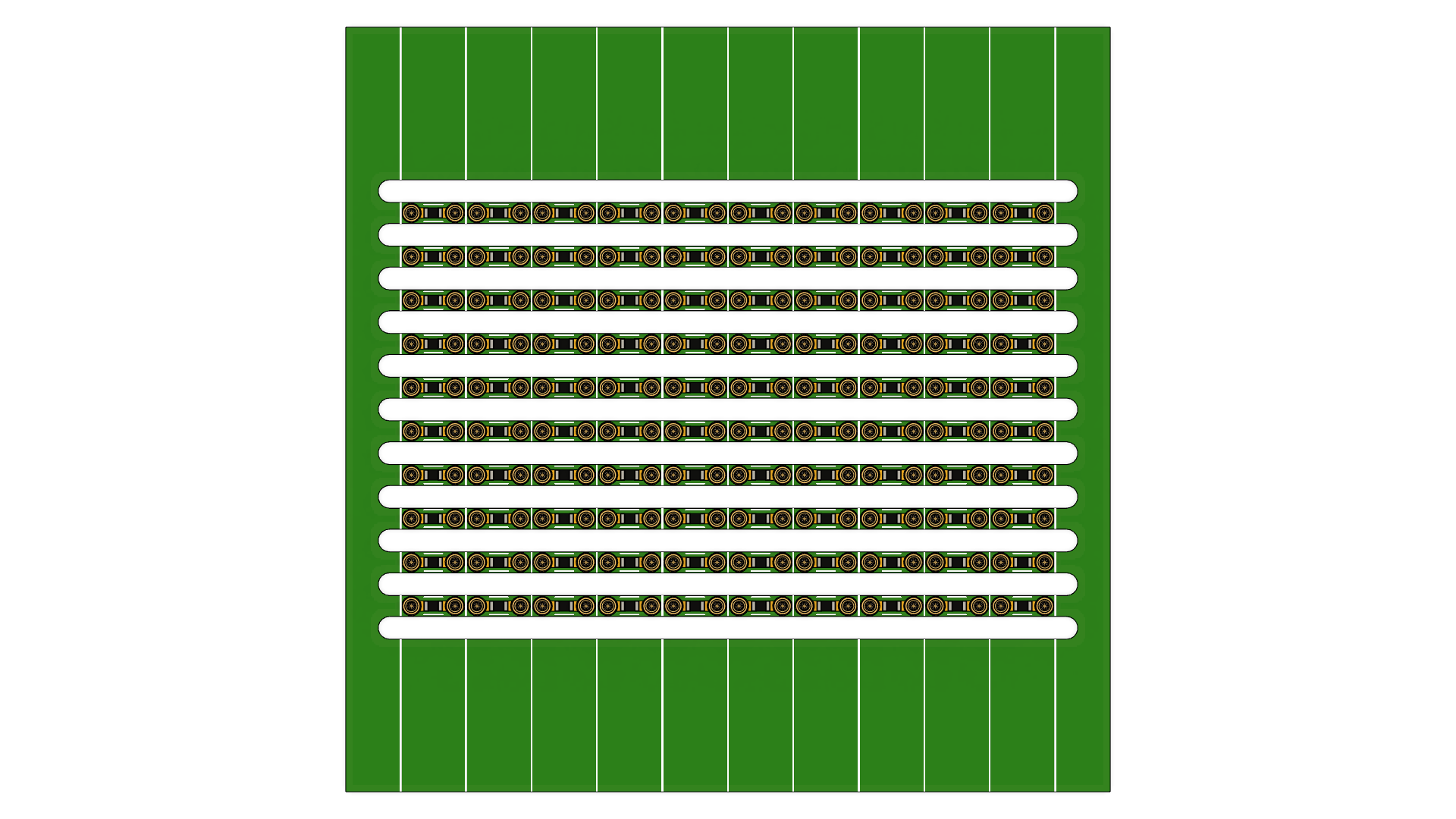
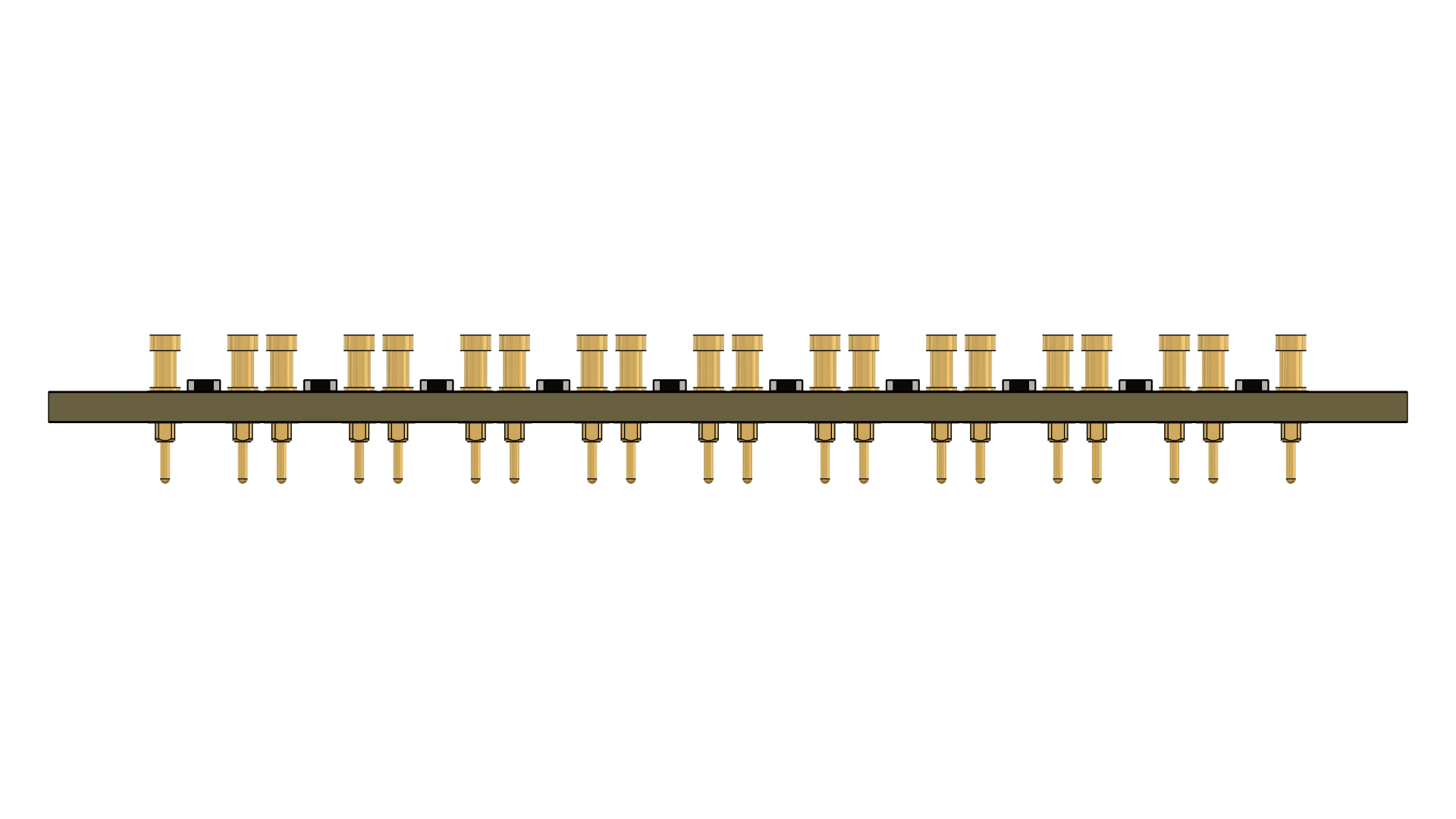
Molecule exported from Fusion 360: Component 3x1 0603 Panelized with Slots
Photo
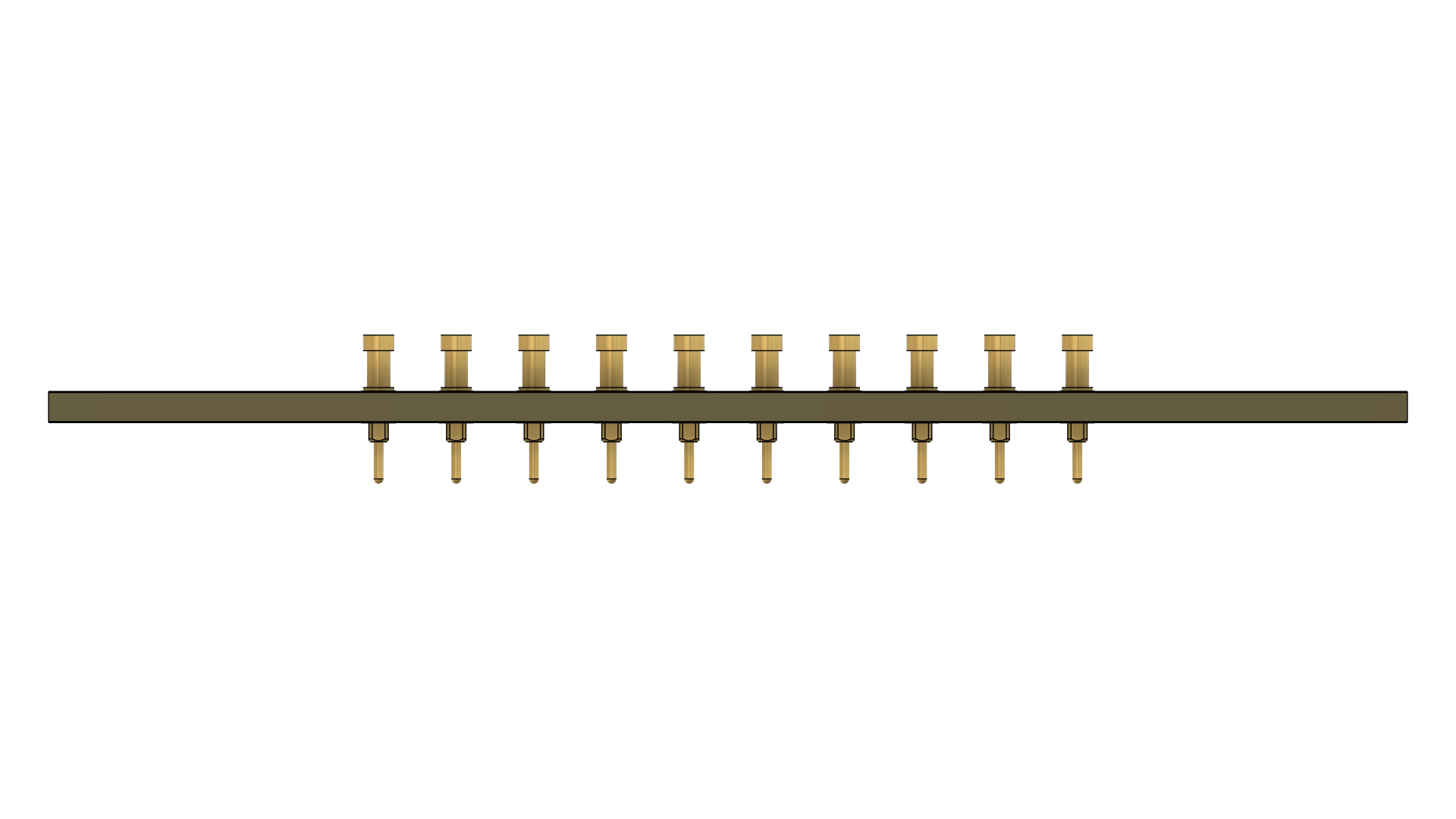
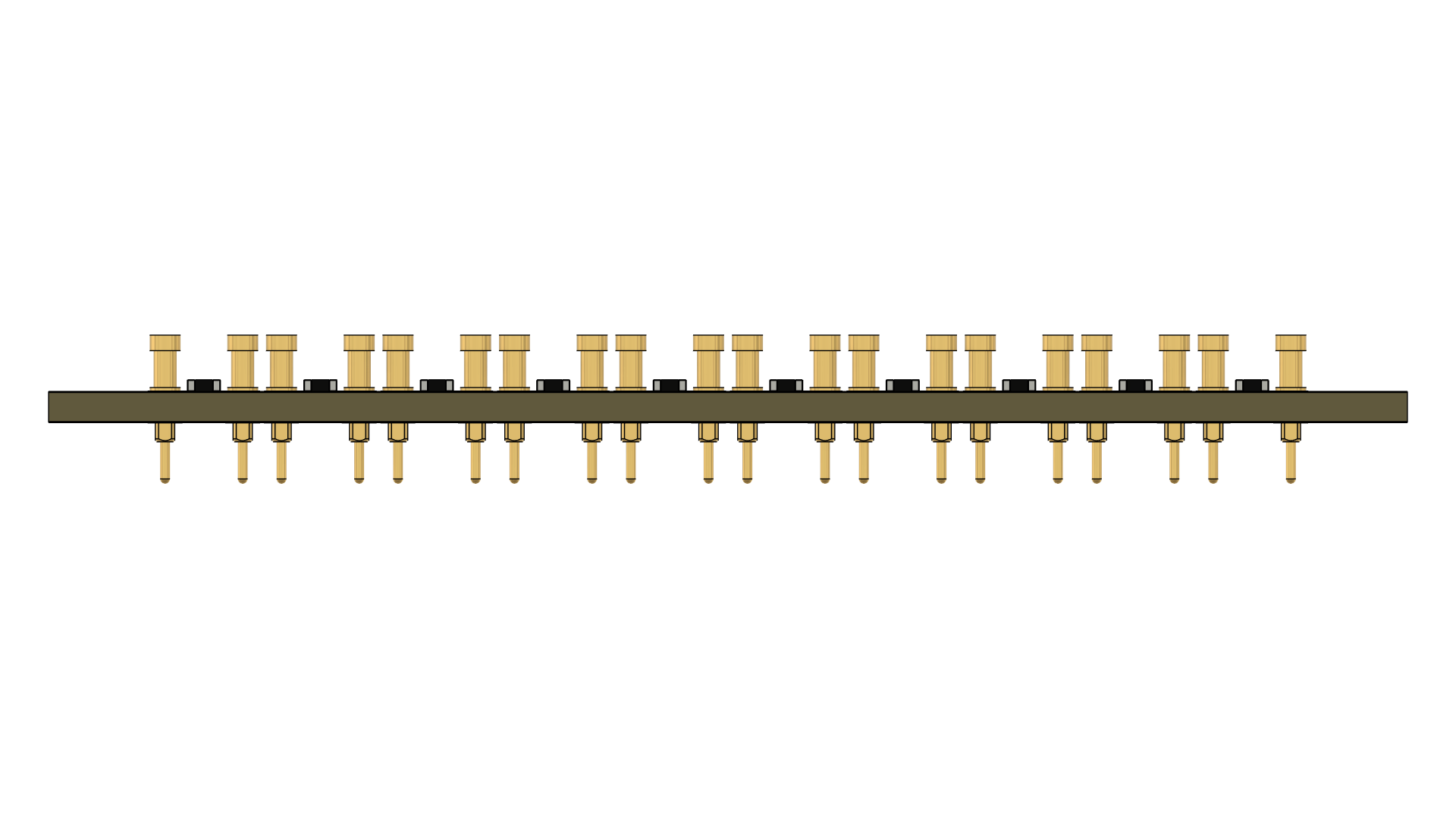
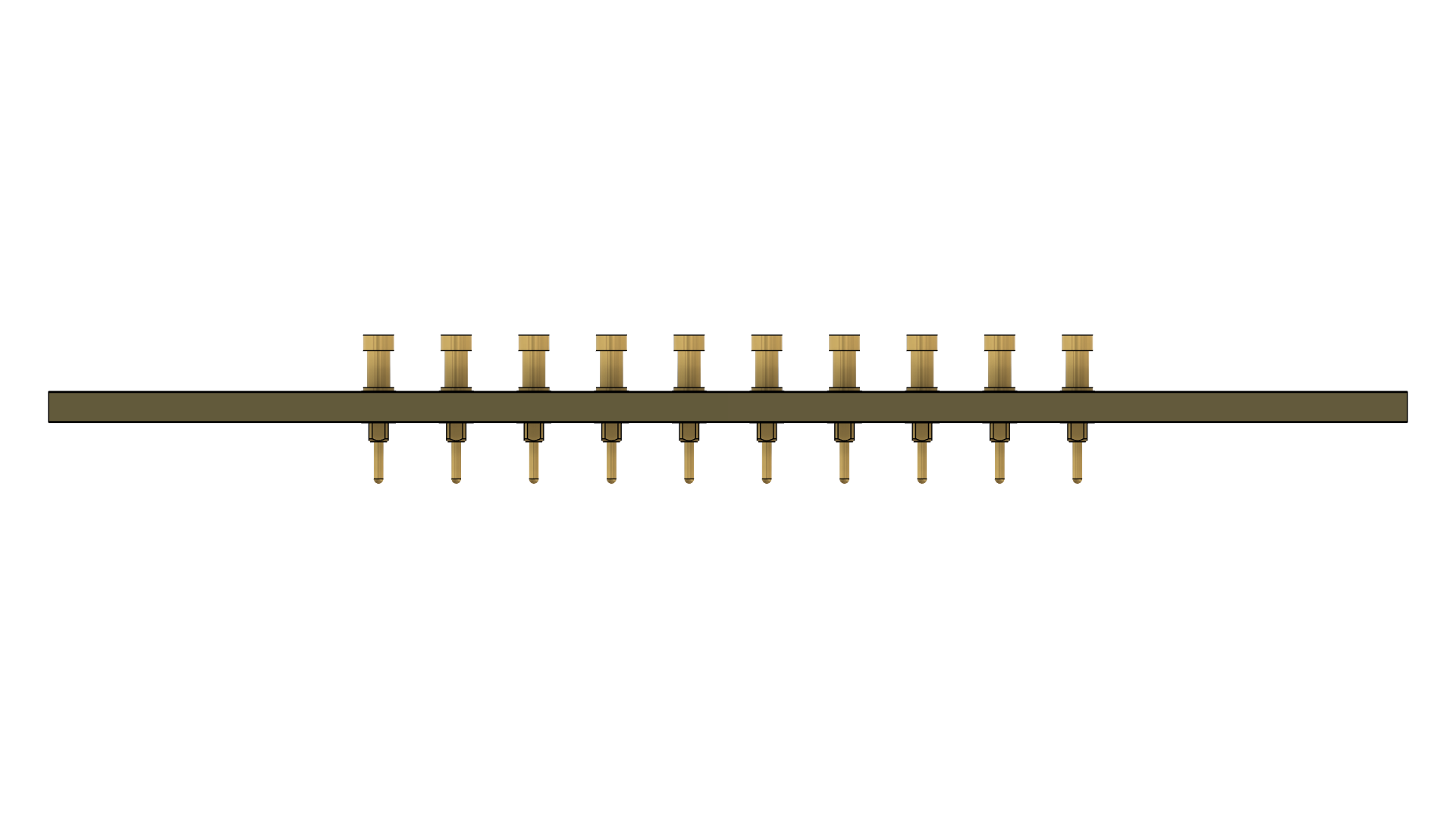
Creator
Ray
Version
1.0.1
Category
Panelized
Assets
10 files
Install this molecule
Paste this into Claude Code (VS Code panel, Adom editor, or terminal) to install:
Search the Adom Wiki for the molecule "Component 3x1 0603 Panelized with Slots" (slug: component-3x1-0603-panelized-with-slots) at https://wiki-ufypy5dpx93o.adom.cloud/wiki/molecules/component-3x1-0603-panelized-with-slots. Download its symbol (.kicad_sym), footprint (.kicad_mod), and 3D model (.glb/.step) assets into my current KiCad project under symbols/, footprints/, and 3dmodels/ directories. Register them in the project library tables. Show me the files once installed.
Files
Download ZIPSource files
| cpl.csv | cpl | 5.4 KB | |
| Component 3x1 0603 Panelized with Slots.usdz | usdz | 5.9 MB | |
| Component_3x1_0603_Panelized_with_Slots_v8_gerbers.zip Gerber Manufacturing Files |
gerbers | 467.0 KB | |
| bom.csv | bom | 1.3 KB | |
| Component 3x1 0603 Panelized with Slots.stl | stl | 37.3 MB | |
| Component 3x1 0603 Panelized with Slots.step | step | 18.6 MB | |
| Component 3x1 0603 Panelized with Slots.sat | sat | 50.3 MB | |
| Component 3x1 0603 Panelized with Slots.igs | igs | 42.2 MB | |
| Component 3x1 0603 Panelized with Slots.f3d | f3d | 3.6 MB | |
| Component 3x1 0603 Panelized with Slots.fbrd | fbrd | 27.8 KB | |
| Component 3x1 0603 Panelized with Slots.fsch | fsch | 25.4 KB | |
| Component 3x1 0603 Panelized with Slots.3mf | 3mf | 9.3 MB | |
| fabrication.png Fabrication Drawing |
screenshot | 7.0 MB | |
| board-screenshot.png Board Screenshot |
screenshot | 699.4 KB | |
| bottom_copper.png Bottom Copper Layer |
screenshot | 7.0 MB | |
| top_copper.png Top Copper Layer |
screenshot | 7.0 MB | |
| board_outline.png Board Outline |
screenshot | 7.0 MB | |
| assembly_bottom.png Assembly Bottom |
screenshot | 7.0 MB | |
| assembly_top.png Assembly Top |
screenshot | 7.0 MB | |
| 3d-bottom.png 3D Bottom View |
screenshot | 355.7 KB | |
| 3d-left.png 3D Left View |
screenshot | 53.5 KB | |
| 3d-right.png 3D Right View |
screenshot | 54.0 KB | |
| 3d-board.png 3D Board View |
screenshot | 482.8 KB | |
| 3d-front.png 3D Front View |
screenshot | 54.8 KB | |
| 3d-back.png 3D Back View |
screenshot | 52.1 KB | |
| 3d-top.png 3D Top View |
screenshot | 368.7 KB |
Sub-Skills
What are Sub-Skills?
Sub-skills are community-contributed AI skill extensions for this component.
They teach AI assistants about specific tools, configurators, or workflows.
Examples:
- A manufacturer’s configuration tool for a motor controller
- A community-written design guide for an amplifier circuit
- An automated test/validation script for a sensor module
How to add one: Click Add Sub-Skill, provide the URL
to your skill and a brief description. Submissions are reviewed by the Adom team
before going live.
What are Sub-Skills?
Sub-skills are community-contributed AI skill extensions for this component. They teach AI assistants about specific tools, configurators, or workflows.
Examples:
- A manufacturer’s configuration tool for a motor controller
- A community-written design guide for an amplifier circuit
- An automated test/validation script for a sensor module
How to add one: Click Add Sub-Skill, provide the URL to your skill and a brief description. Submissions are reviewed by the Adom team before going live.
No sub-skills yet. Be the first to contribute one!