LCS AI Class — 18-Week Curriculum
A complete 18-week Applied AI Engineering curriculum designed for Liberty Christian School. 3-5 students, 1 skill per day, from zero to self-driving robots.
View the Interactive Schedule
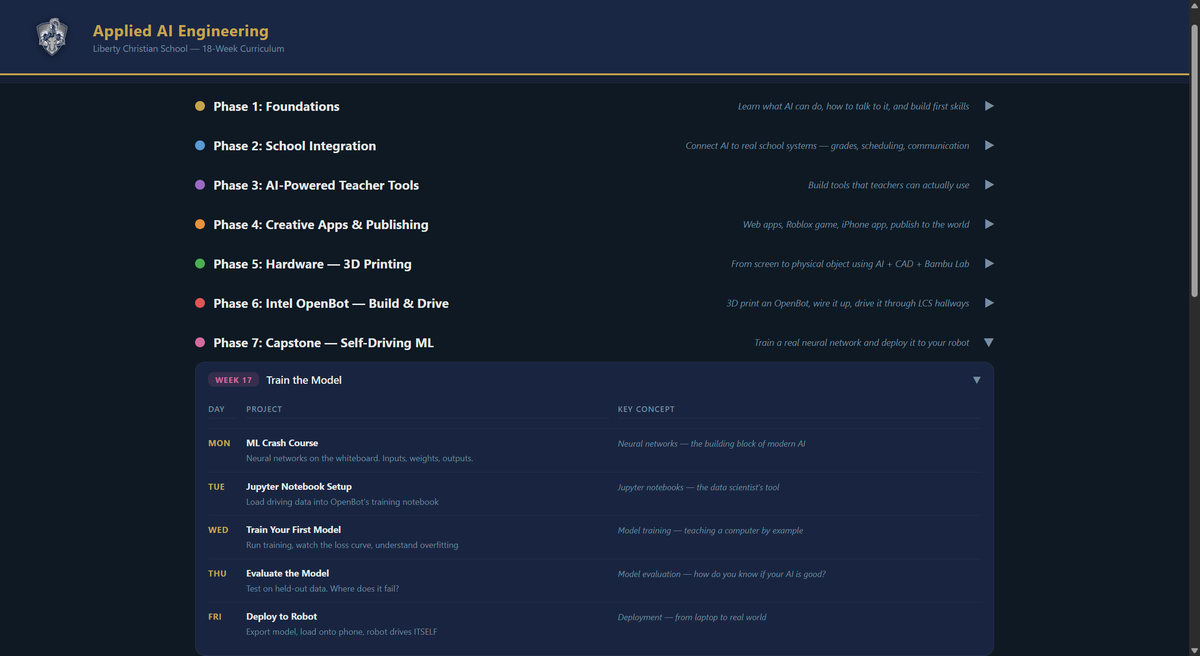
7 Phases
Phase 1: Foundations (Weeks 1-3)
Learn what AI can do, build first Claude Code skills, flashcard apps, study guides.
Phase 2: School Integration (Weeks 4-6)
Connect AI to Blackbaud/mySchoolApp — grade checker, schedule picker, coursework ingestion, assignment tracker.
Phase 3: Teacher Tools (Weeks 7-9)
Build tools teachers actually use — study guide builder, randomized test generator with anti-cheat, dashboards.
Phase 4: Creative Apps (Weeks 10-12)
Dancing robot, sport/activity fan pages published to wiki, Roblox game (LCS campus), iPhone app with Claude API.
Phase 5: 3D Printing (Weeks 13-14)
CadQuery parametric CAD, personalized nameplates, keychains, phone stands — printed on Bambu Lab.
Phase 6: Intel OpenBot (Weeks 15-16)
3D print the robot chassis, wire Arduino + motors + sensors, mount an old Android phone, manual driving races through LCS hallways.
Phase 7: Self-Driving Capstone (Weeks 17-18)
Train a real neural network in a Jupyter notebook on driving data collected by students. Deploy to the robot. Competition day with parents invited.
Key Details
- Cost: approximately $50/student (OpenBot kit + filament + donated Android phone)
- Prerequisites: None — teaches from zero
- Grading: 40% Build, 30% Understand, 30% Iterate
- Ethics: Woven into every phase, not a separate lecture
- Christian Angle: Stewardship, service, integrity, humility — AI connected to faith naturally