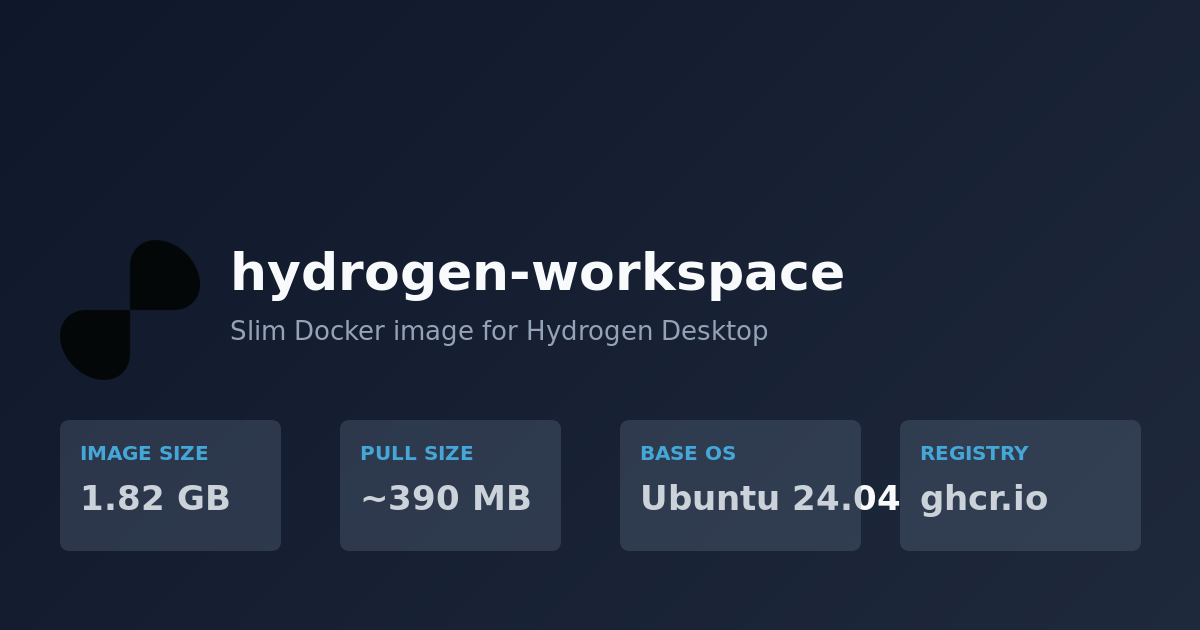
hydrogen-workspace
The official slim Docker image for Hydrogen Desktop. Built on Ubuntu 24.04 to be binary-compatible with Adom cloud containers while being 77% smaller.
Quick Start
docker pull ghcr.io/adom-inc/hydrogen-workspace:latest
docker run -d -p 8080:8080 --name hd ghcr.io/adom-inc/hydrogen-workspace:latest
# Open http://localhost:8080 for code-server
Image Stats
| Metric | Value |
|---|---|
| Registry | ghcr.io/adom-inc/hydrogen-workspace |
| Base OS | Ubuntu 24.04 (matches Adom cloud) |
| Uncompressed | 1.82 GB |
| Compressed pull | ~390 MB |
| Visibility | Public (no auth needed) |
| Architectures | linux/amd64 |
What's Included
The image ships the minimal runtime needed to bootstrap a full Adom workspace:
- code-server 4.112.0 — VS Code in the browser on port 8080
- Node.js 18 + npm 9
- Python 3.12
- git + gh (GitHub CLI)
- build-essential + cmake + pkg-config + libssl-dev
- Utilities: curl, wget, jq, unzip, zip, tar, openssh-client
- User:
adom(UID 1001) with passwordless sudo - Locale: en_US.UTF-8
What's NOT Included
These are installed at runtime by gallia bootstrap, keeping the base image lean:
- Rust/cargo (via rustup)
- Bun
- KiCad
- ARM toolchain (gcc-arm-none-eabi)
- Adom CLI tools (adom-desktop, adom-wiki, etc.)
- MCP servers
This means the image stays small and stable — tooling updates don't require image rebuilds.
Why This Exists
The original Adom cloud image (registry.adom.inc/user-containers/default-vscode:latest) is 7.85 GB because it includes KiCad (4.1 GB) and the ARM toolchain (2.9 GB). For Hydrogen Desktop users who don't need those, this slim image gives them:
- 4x faster first-time pull
- 77% less disk usage
- Identical binary compatibility with cloud containers
- Public registry (no Adom credentials needed)
Building From Source
git clone https://github.com/adom-inc/hydrogen-desktop.git
cd hydrogen-desktop
docker build -t ghcr.io/adom-inc/hydrogen-workspace:latest docker/
CI/CD
The image auto-builds and pushes to ghcr.io on every push to main that touches docker/. Tags applied:
latest— always points to the newest build<git-sha>— exact commit reference<YYYYMMDD>— date-based tag for rollback
Workflow: .github/workflows/docker-image.yml
Dockerfile
FROM ubuntu:24.04

ENV DEBIAN_FRONTEND=noninteractive
ARG CODE_SERVER_VERSION=4.112.0

RUN apt-get update && apt-get install -y --no-install-recommends \
    ca-certificates curl wget git jq unzip zip tar \
    gnupg openssh-client sudo locales \
    build-essential cmake pkg-config libssl-dev \
    nodejs npm python3 python3-pip \
    && curl -fsSL https://cli.github.com/packages/githubcli-archive-keyring.gpg \
       | gpg --dearmor -o /usr/share/keyrings/githubcli-archive-keyring.gpg \
    && echo "deb [arch=$(dpkg --print-architecture) signed-by=/usr/share/keyrings/githubcli-archive-keyring.gpg] https://cli.github.com/packages stable main" \
       > /etc/apt/sources.list.d/github-cli.list \
    && apt-get update && apt-get install -y --no-install-recommends gh \
    && curl -fsSL "https://github.com/coder/code-server/releases/download/v${CODE_SERVER_VERSION}/code-server_${CODE_SERVER_VERSION}_$(dpkg --print-architecture).deb" \
       -o /tmp/code-server.deb \
    && dpkg -i /tmp/code-server.deb \
    && sed -i 's/# en_US.UTF-8/en_US.UTF-8/' /etc/locale.gen && locale-gen \
    && rm -f /tmp/code-server.deb \
    && apt-get clean && rm -rf /var/lib/apt/lists/* /tmp/* /var/tmp/*

ENV LANG=en_US.UTF-8 LC_ALL=en_US.UTF-8

RUN groupadd -g 1001 adom \
    && useradd -m -u 1001 -g 1001 -s /bin/bash adom \
    && echo "adom ALL=(ALL) NOPASSWD:ALL" >> /etc/sudoers.d/adom \
    && chmod 0440 /etc/sudoers.d/adom

RUN mkdir -p /home/adom/project && chown adom:adom /home/adom/project

USER adom
WORKDIR /home/adom
EXPOSE 8080 8765 8766

CMD ["code-server", "--bind-addr", "0.0.0.0:8080", "--auth", "none", "--disable-telemetry", "/home/adom/project"]
Ports
| Port | Service |
|---|---|
| 8080 | code-server (VS Code) |
| 8765 | Reserved for Hydrogen relay |
| 8766 | Reserved for adom-desktop relay |
Related
- Hydrogen Desktop — the Tauri app that wraps this image
gallia bootstrap— runtime toolchain installer- Adom cloud containers — use the same Ubuntu 24.04 base