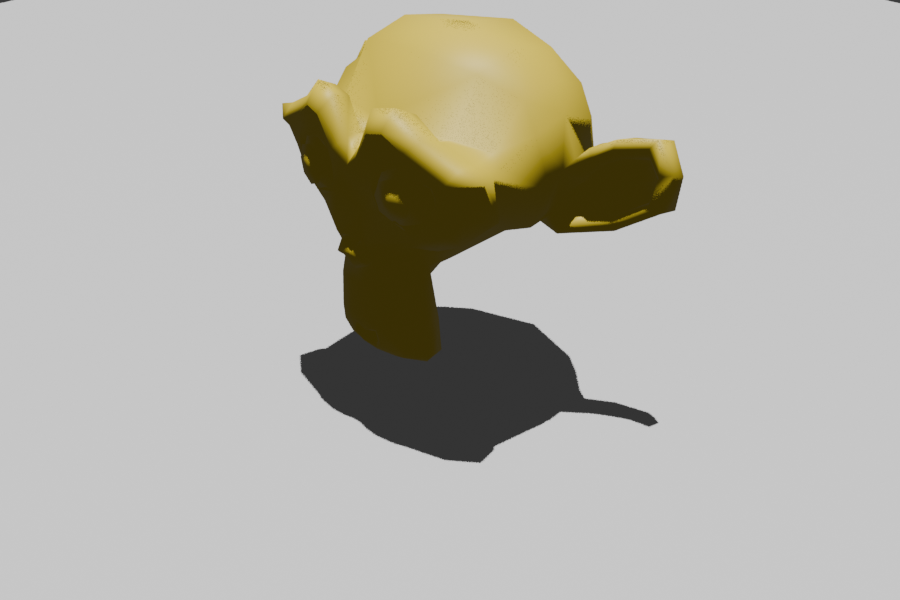
Blender bridge (adom-desktop)
Drive Blender from cloud Claude or any adom-desktop client:
open the GUI on your desktop, run Python scripts, import/export meshes
(GLB/GLTF/FBX/OBJ/STL), and render PNG thumbnails — all by calling adom-desktop blender_* '<json>' from the cloud. Generic infrastructure for any adom user who
works with 3D.
Install
adom-desktop bridge_install '{"manifestUrl":"https://wiki-ufypy5dpx93o.adom.cloud/static/apps/adom-desktop/blender-bridge-manifest.json"}'
adom-desktop blender_status '{}'
If Blender isn't on your PATH, set the bridge config key blenderPath. The bridge
also auto-detects common install locations on Windows, macOS, and Linux.
Verbs
| Verb | Args | What it does |
|---|---|---|
blender_status | — | Health + resolved Blender path |
blender_version | — | Blender's --version |
blender_open | file?, script?/code? | Open the Blender GUI |
blender_run_script | script/code, gui?, args?, blendFile? | Run a Python script — headless by default, gui:true shows the window |
blender_import | file, gui? | Open Blender on an imported mesh (GLB/GLTF/FBX/OBJ/STL/.blend) |
blender_export | input, output, format? | Headless convert/export between mesh formats |
blender_render | output, input?, samples?, resolution? | Headless render a PNG (adds a camera + light if none) |
Examples
adom-desktop blender_import '{"file":"C:/Users/me/Downloads/shirt.glb"}'
adom-desktop blender_run_script '{"code":"import bpy\nbpy.ops.mesh.primitive_uv_sphere_add()\nbpy.ops.export_scene.gltf(filepath=\"C:/tmp/ball.glb\",export_format=\"GLB\")"}'
adom-desktop blender_export '{"input":"C:/tmp/in.fbx","output":"C:/tmp/out.glb"}'
adom-desktop blender_render '{"input":"C:/tmp/out.glb","output":"C:/tmp/thumb.png","resolution":[800,800]}'
Architecture
- Stdlib-only Python HTTP server, spawned on demand by adom-desktop.
- Ephemeral port (
spawn.port: 0); adom-desktop starts it aspython server.py --port <N>. GET /status→ liveness;POST /command {verb,args}→ result.- GUI launches detached (non-blocking); headless jobs block with a timeout
(default 600s, override
BLENDER_BRIDGE_TIMEOUT). Windows usesCREATE_NO_WINDOW.
Source
Source of truth: Adom Wiki v2 (apps/adom-desktop-blender-bridge/src). Working
copy / backup on the dev container at ~/project/adom-blender-bridge.
Platform support
| OS | Status |
|---|---|
| Windows | Supported (auto-detects Program Files\Blender Foundation\*) |
| macOS | Supported (auto-detects /Applications/Blender.app) |
| Linux | Supported (blender on PATH / common dirs) |
Built + verified against Blender 4.2.4 LTS.